







How to give your IBAN to Sumeria (formerly Lydia)

Open your Sumeria (formerly Lydia) app and log in to your account.
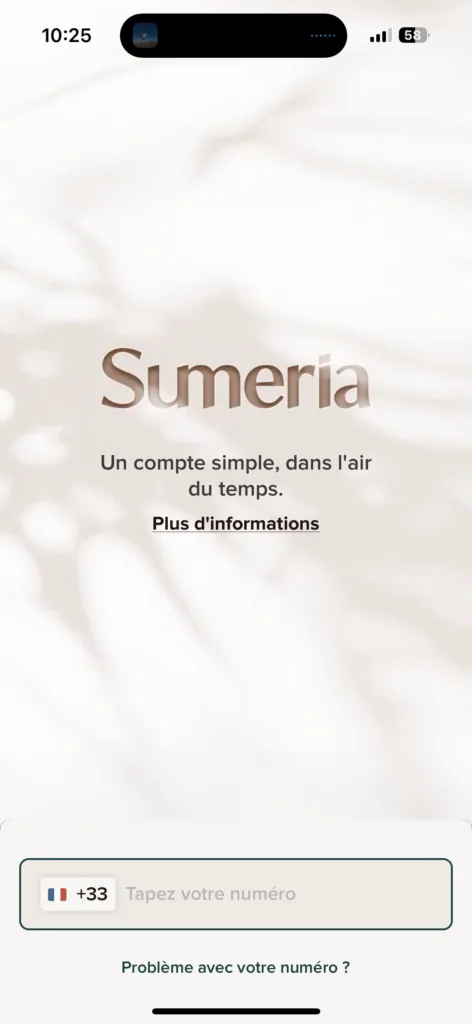

Log in with your phone number.


Enter the code received by message.
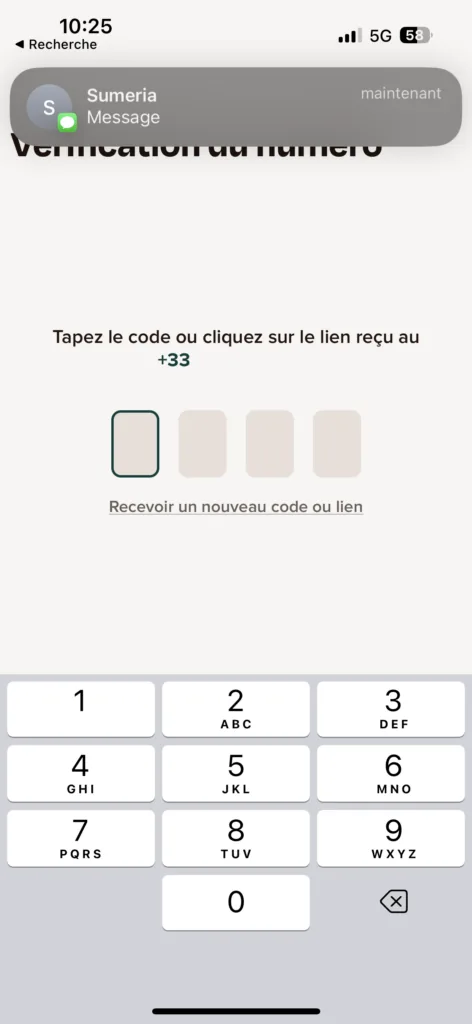

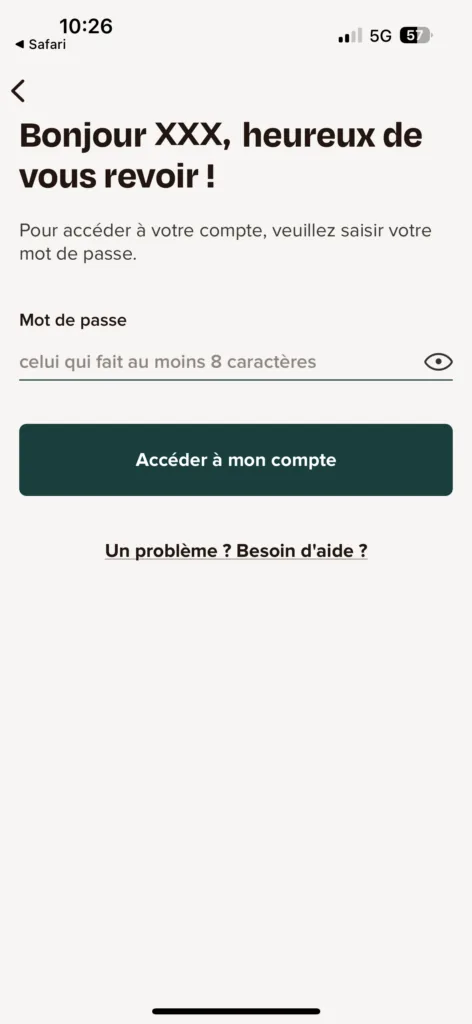
Enter your password.

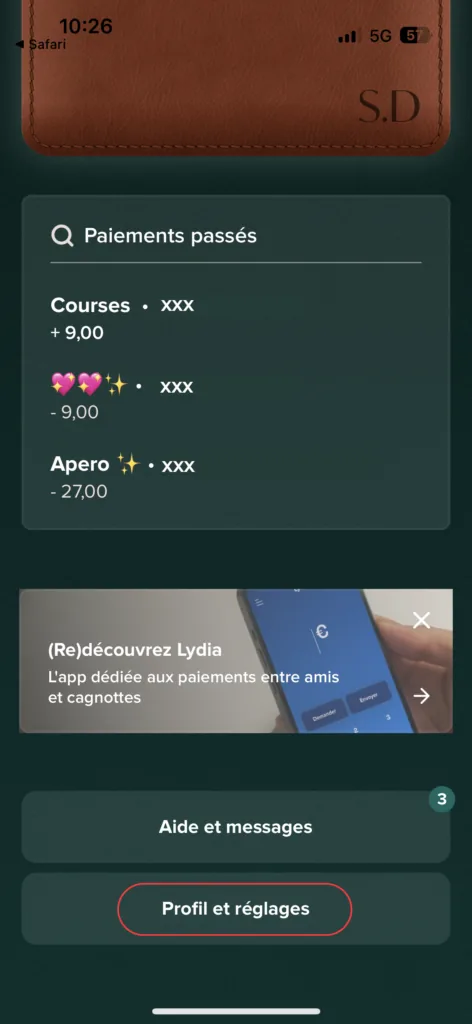
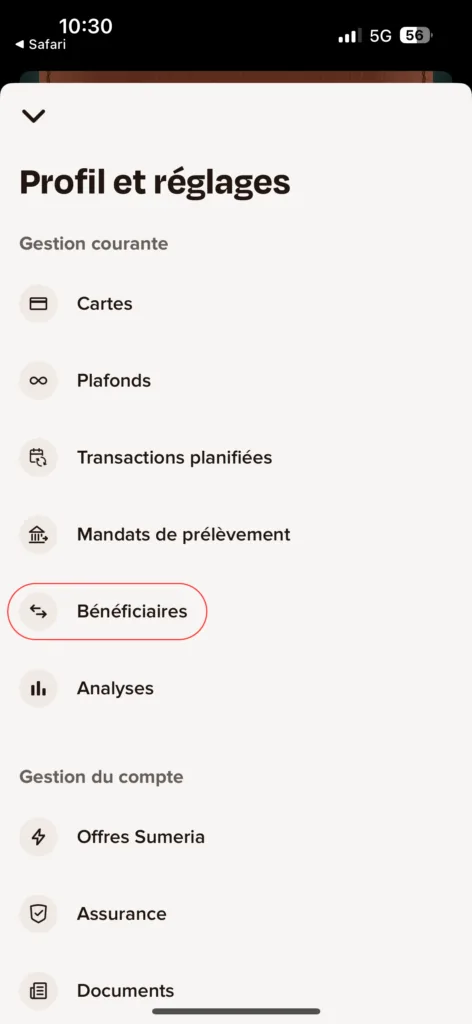
Scroll down and go to “Profil et réglages” (Profile and settings).

Tap “Bénéficiaires” (Beneficiaries).

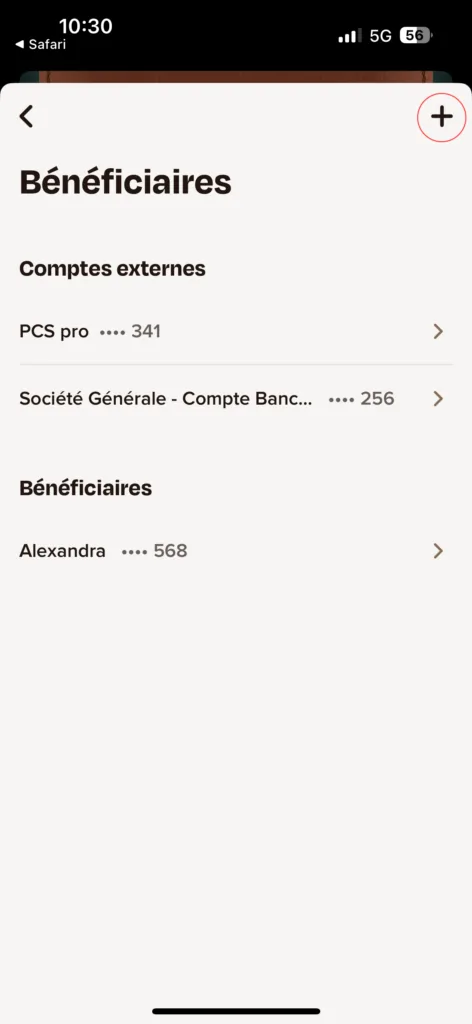
Tap “+” to add a new beneficiary.

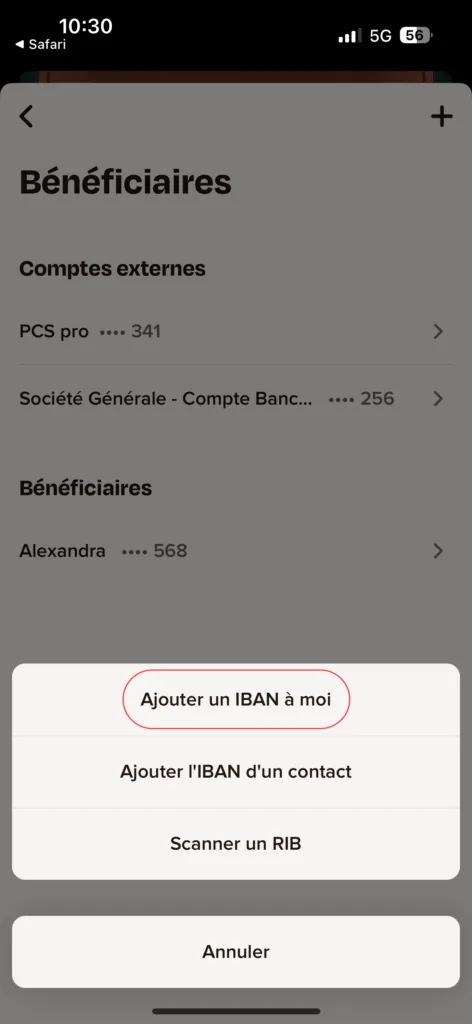
Choose one of the options to add an IBAN.

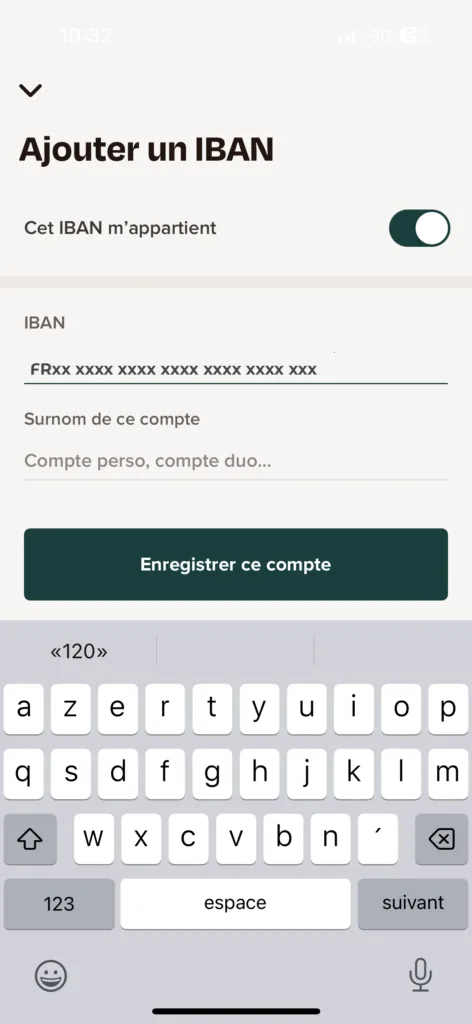
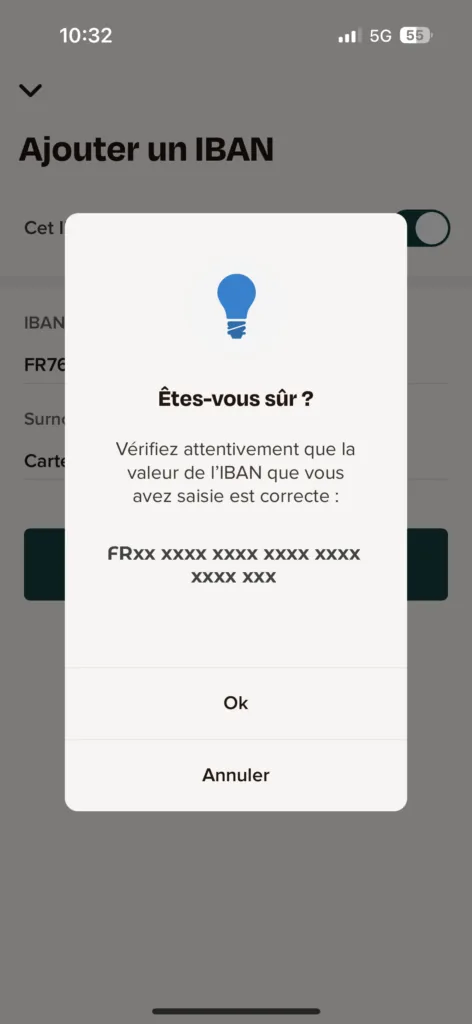
Enter your PCS card's IBAN and tap “Enregistrer ce compte” (Save this account).

Tap “OK”.

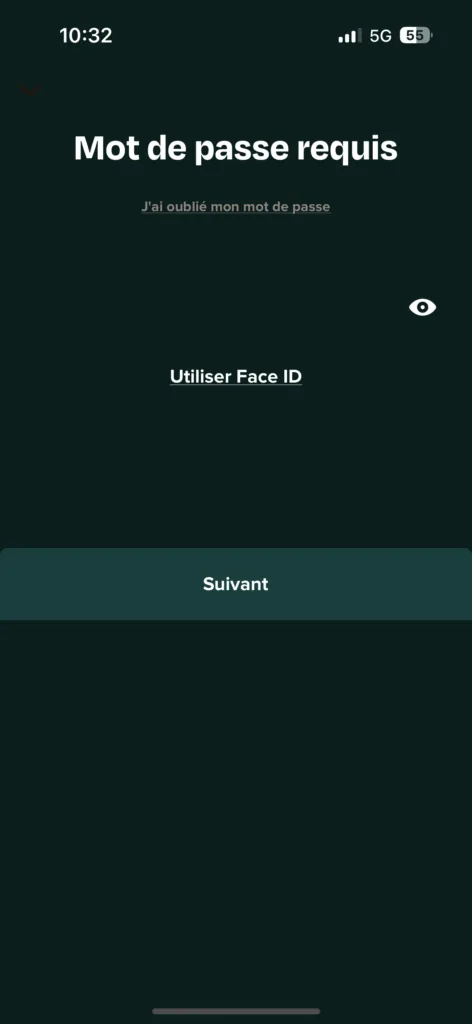
Confirm the operation with your password.

Well done, you have changed your IBAN! 🎉
Your PCS card comes with a French IBAN: download your bank details (RIB) from your “My account” area or the MyPCS app.
➔ See our list of tutorials: