






How to give your IBAN to the CAF

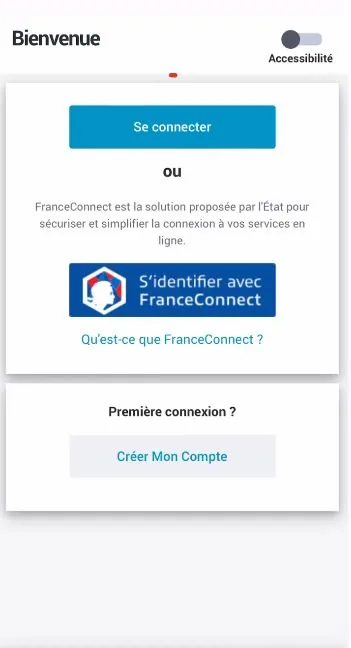
Open your CAF app and log in to your account.

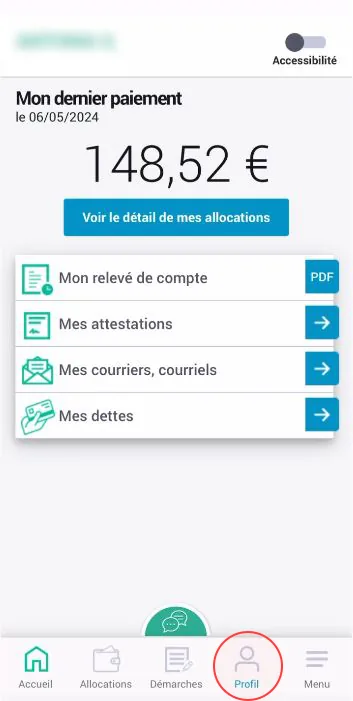
Go to the “Profil” (Profile) section.

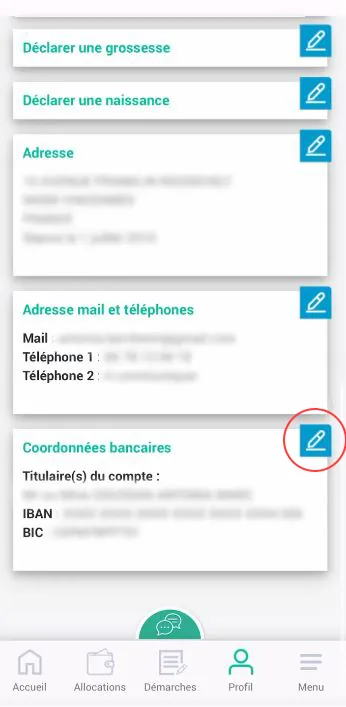
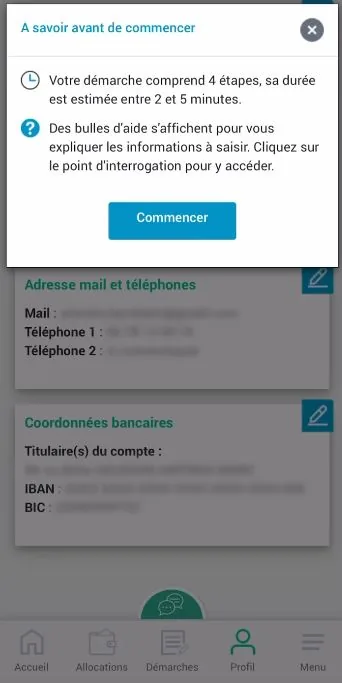
Tap the button to change your bank details.

Tap “Commencer” (Start).

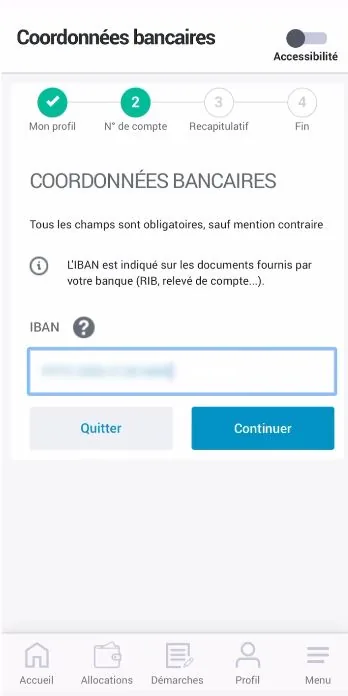
Enter your new IBAN and tap “Continuer” (Continue).

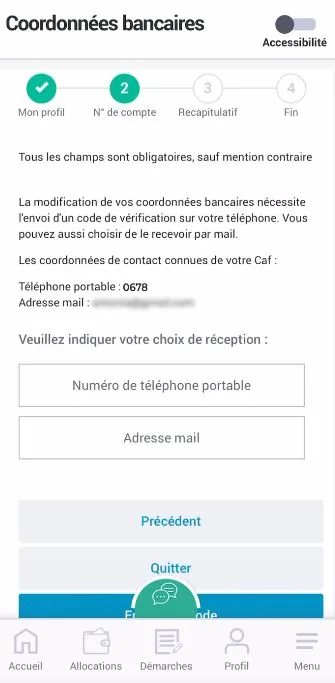
Select the verification method to confirm your IBAN.

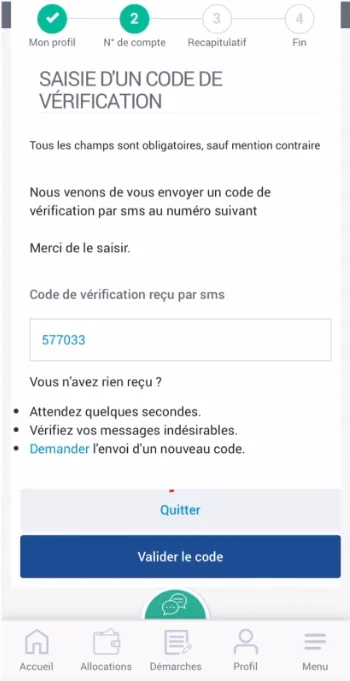
Enter the code you received and confirm it.

Confirm your new bank details.
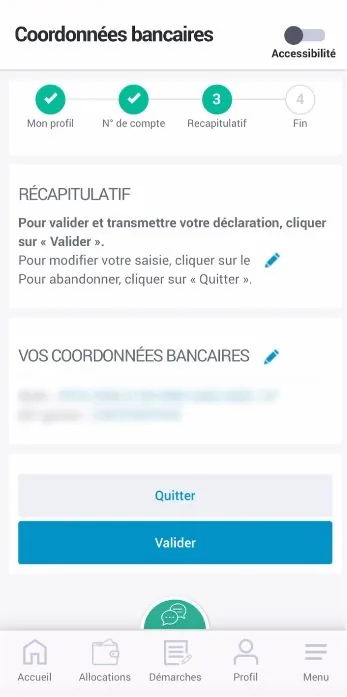

Well done, you have changed your IBAN! 🎉

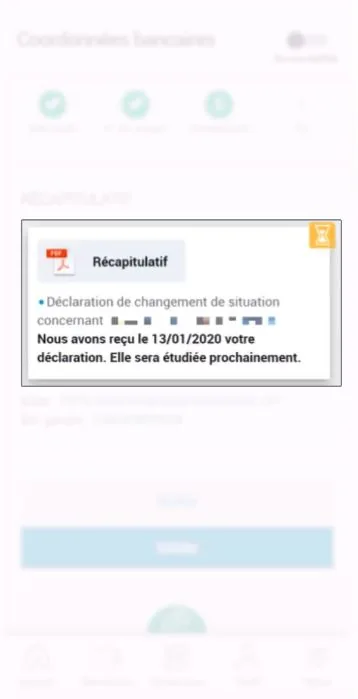
Find the summary in the “Démarches” (Procedures) section.
Your PCS card comes with a French IBAN: download your bank details (RIB) from your “My account” area or the MyPCS app. Receiving your social benefits is free.
➔ See our list of tutorials: