






How to give your IBAN to Betclic

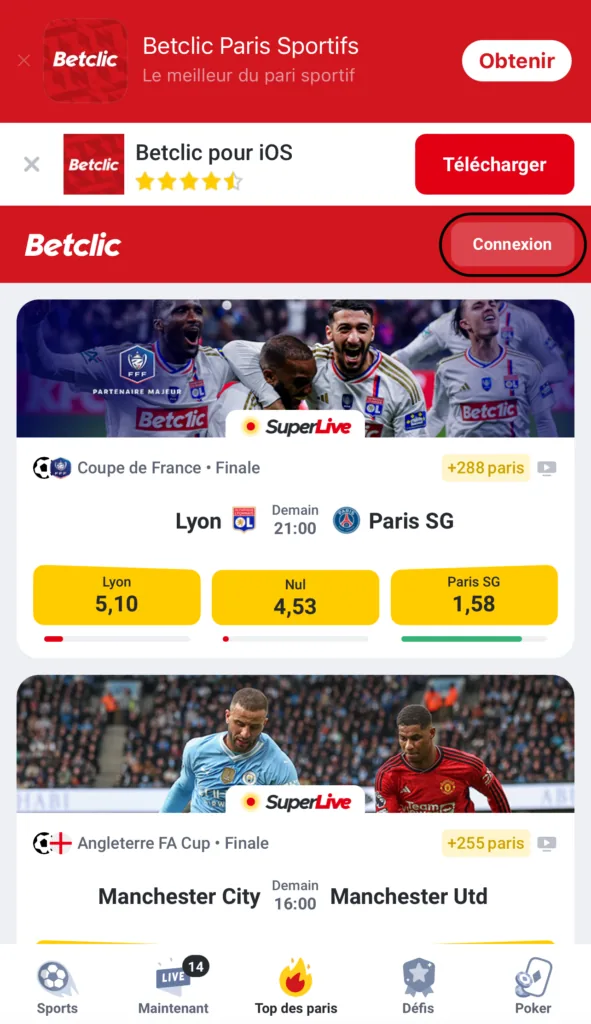
Go to the betclic.fr website and click “Connexion” (Log in).

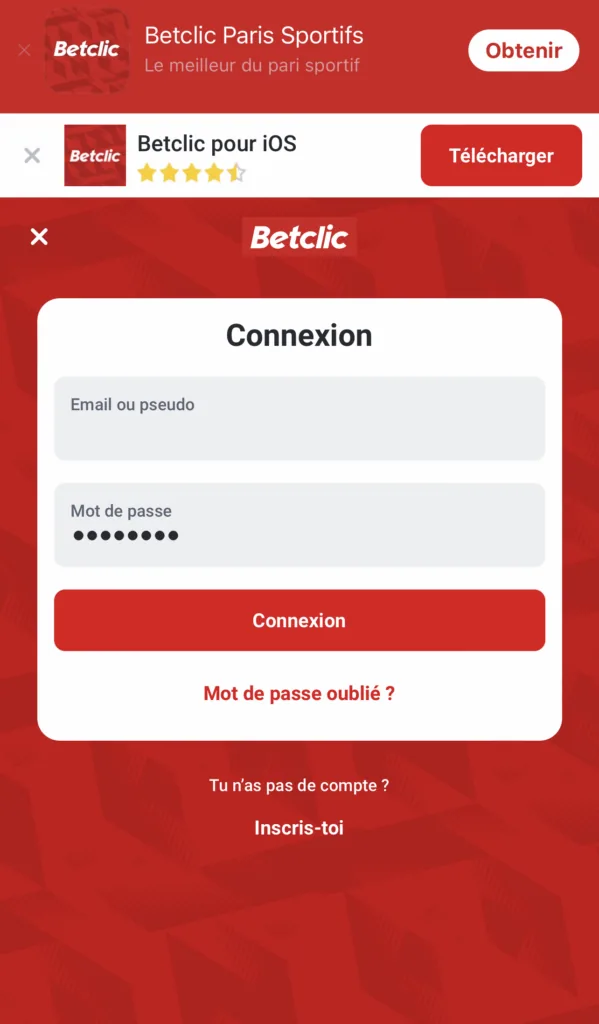
Log in to your account.

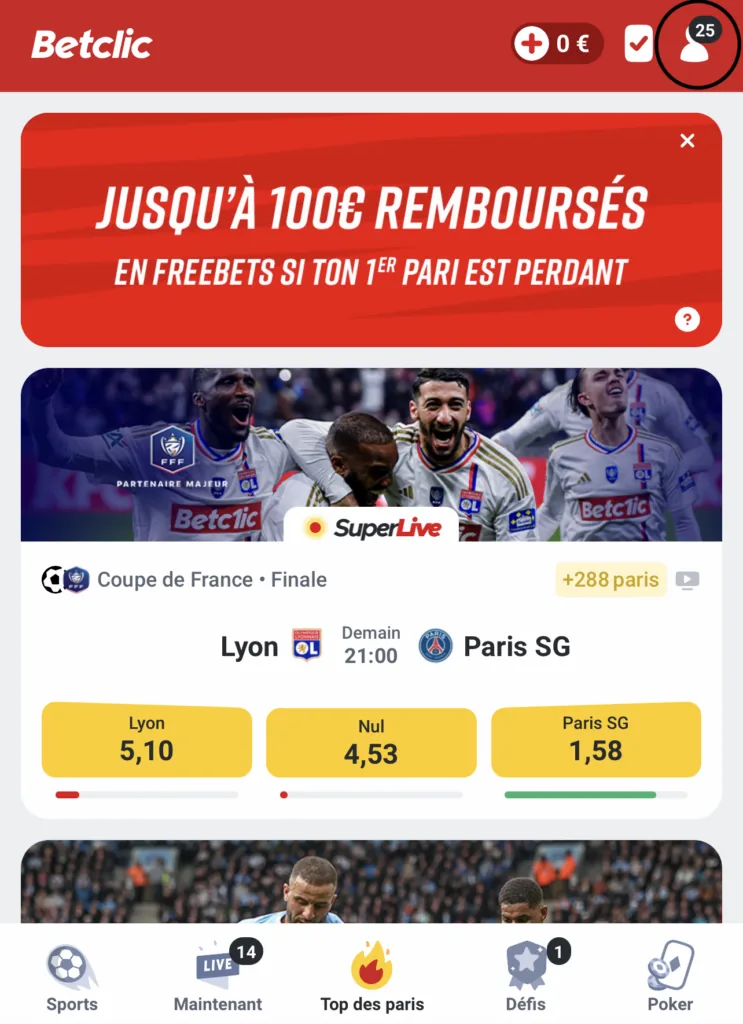
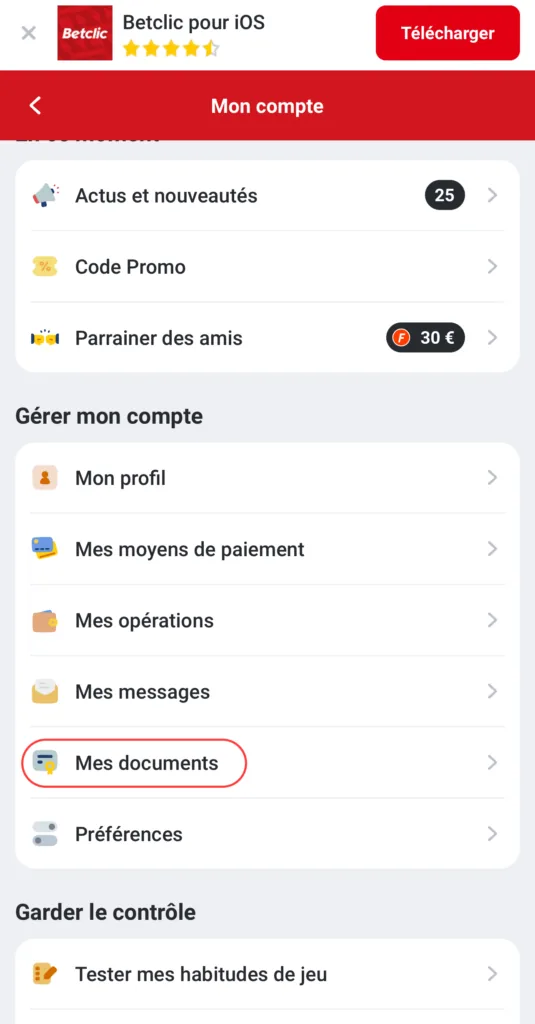
Go to the “Profil” (Profile) section.

Click “Mes documents” (My documents).

Click “Ajouter” (Add) next to “Autres documents” (Other documents) and upload your new bank details (RIB) in the required format.
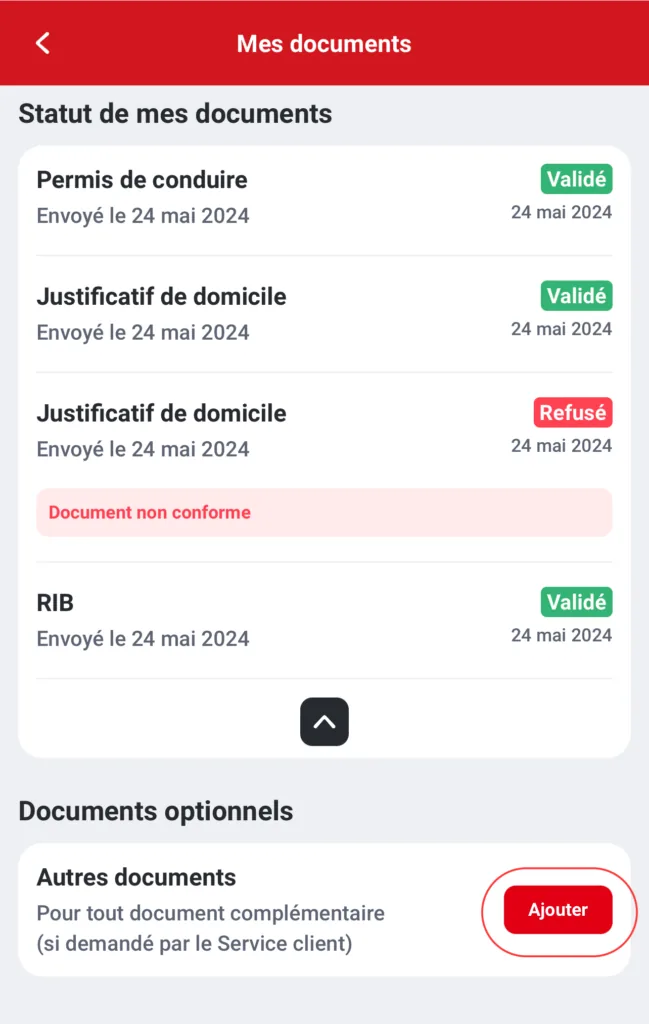

Well done, you have changed your IBAN! An adviser will review the file you sent and update your bank details.
➔ See our list of tutorials: