





How to give your IBAN to ENGIE

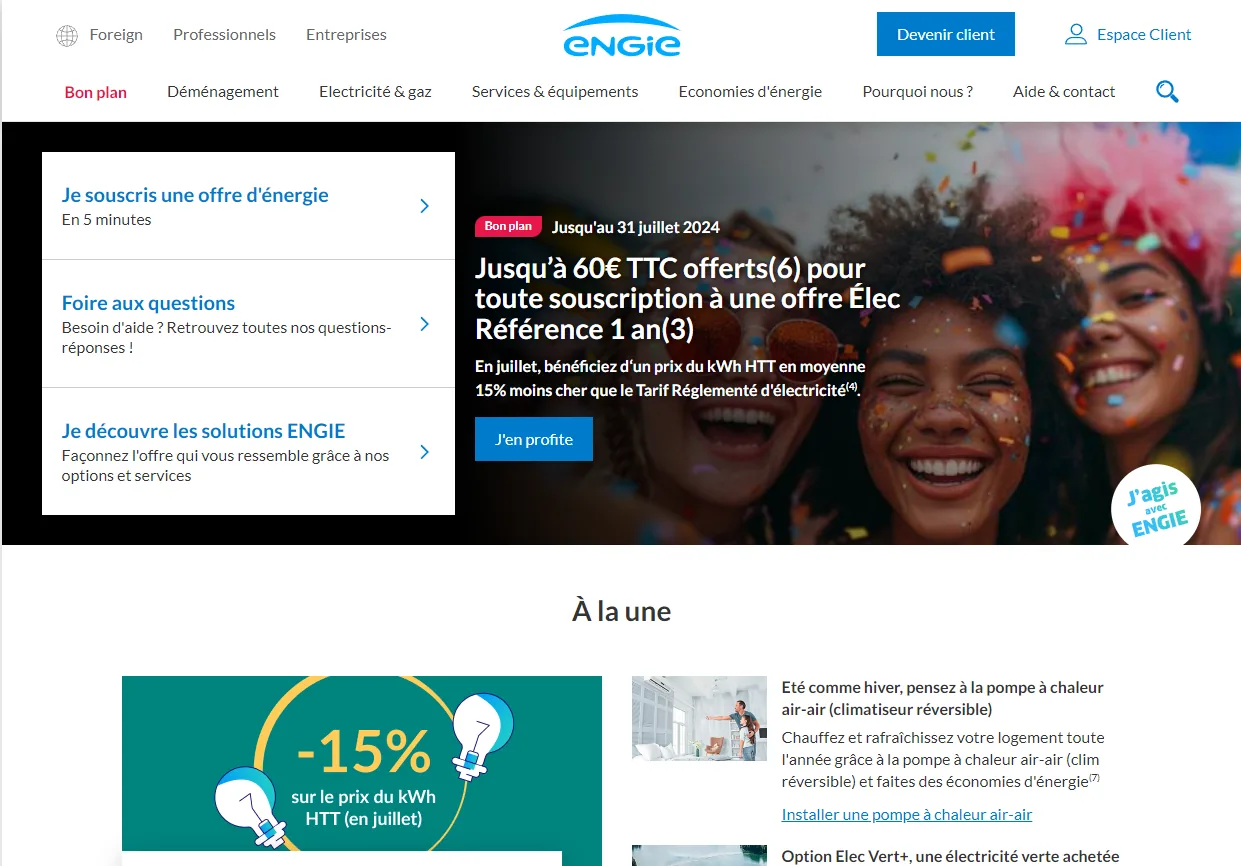
Go to the particuliers.engie.fr website and click “Espace client” (Customer area) at the top right.

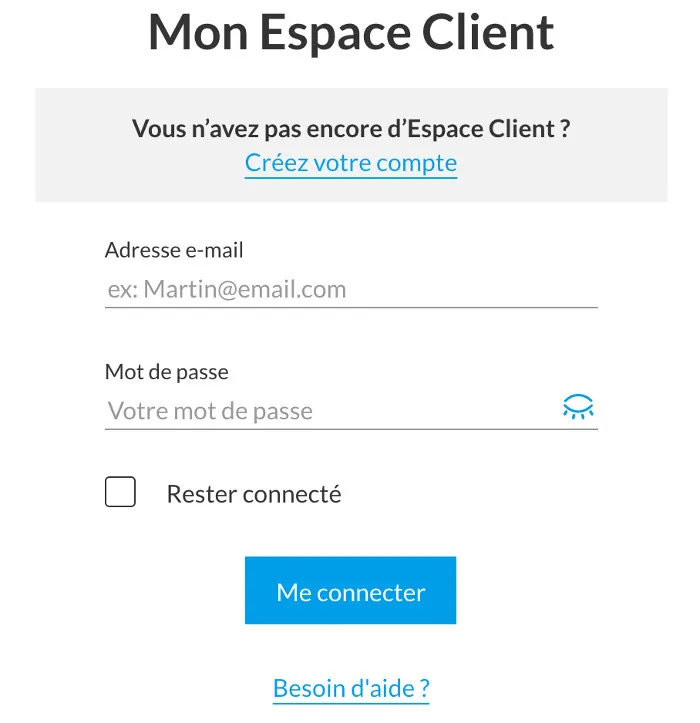
Log in to your account.

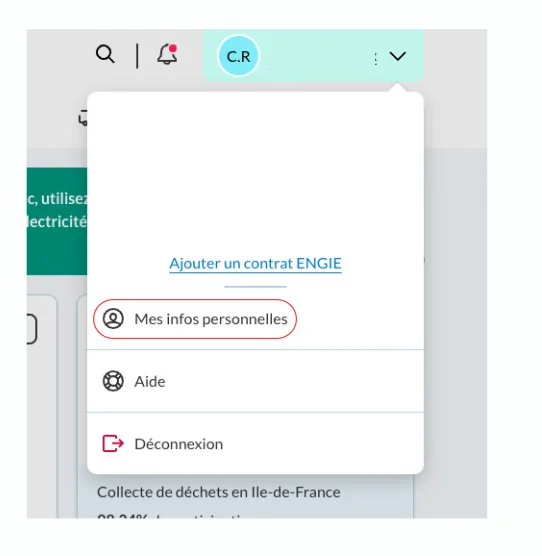
Click your name in the top right corner.


Click “Mes infos personnelles” (My personal information).

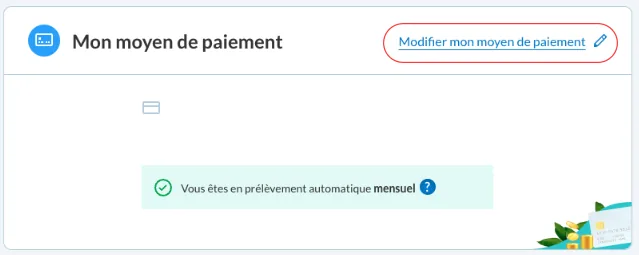
Scroll down to the “Mon moyen de paiement” (My payment method) box and click “Modifier mon moyen de paiement” (Change my payment method).

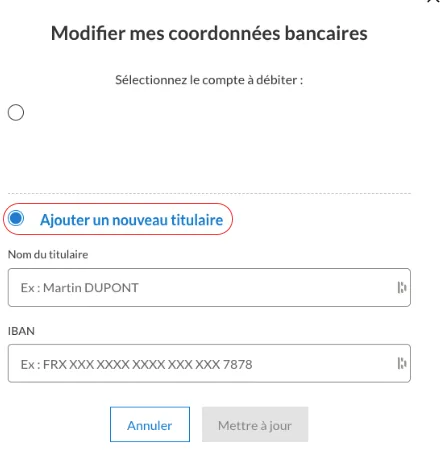
Click “Ajouter un titulaire” (Add an account holder) to enter your new bank details.

Click “Mettre à jour” (Update): you're done.
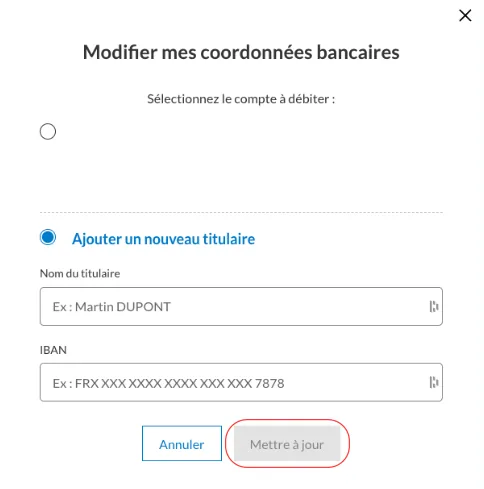

Well done, you have changed your IBAN! 🎉
Your PCS card comes with a French IBAN: download your bank details (RIB) from your “My account” area or the MyPCS app.
➔ See our list of tutorials: