






How to give your IBAN to Ameli

Open your Ameli app and tap your first name.


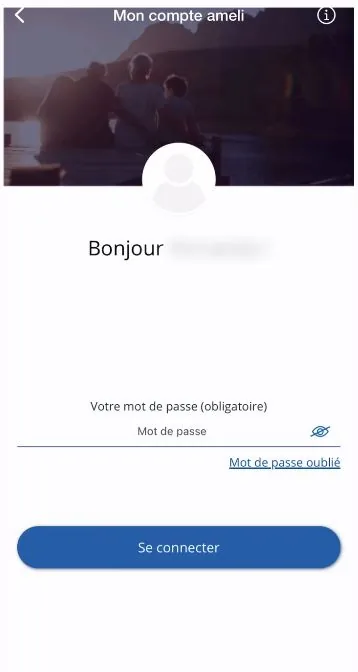
Log in to your account.

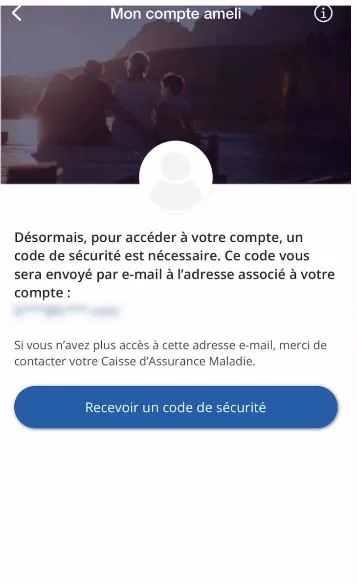
Tap “Recevoir un code de sécurité” (Receive a security code).

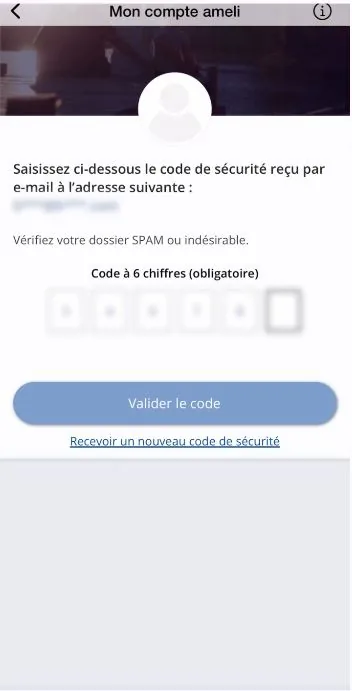
Enter the code you received and confirm it.

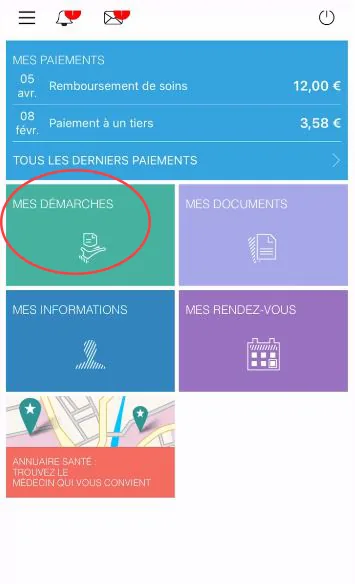
Tap “Mes démarches” (My procedures).

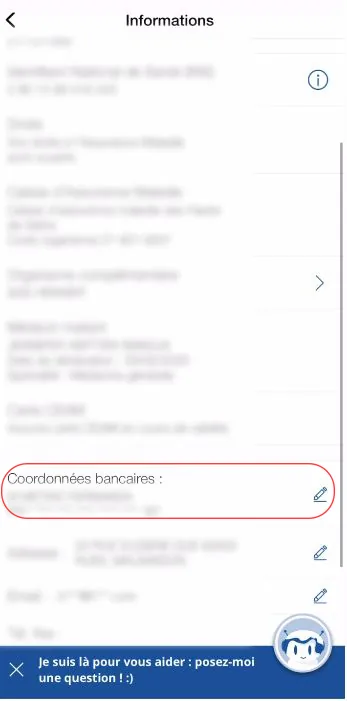
Scroll down and tap “Coordonnées bancaires” (Bank details).

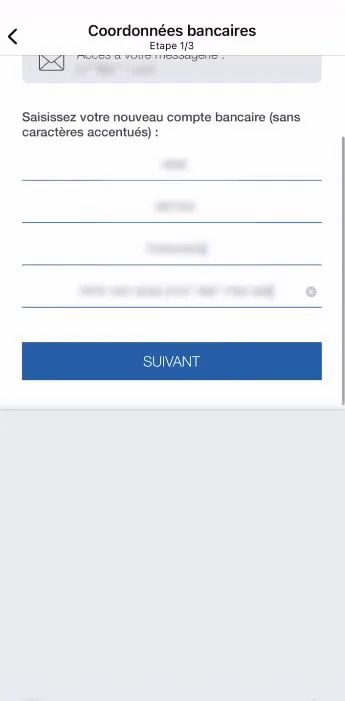
Enter your new IBAN / BIC and tap “Suivant” (Next).

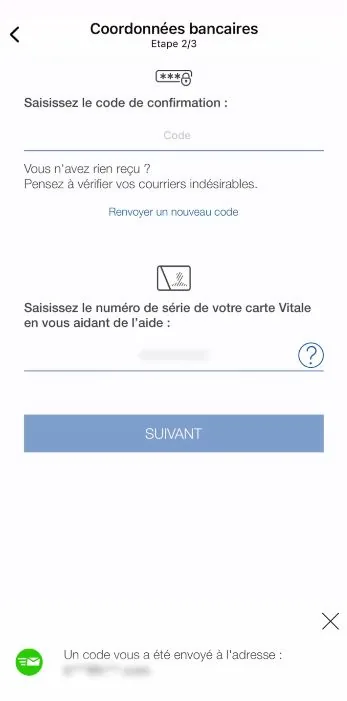
Enter the code you received and the serial number of your Carte Vitale, then tap “Suivant” (Next).

Tick the box “J’atteste sur l’honneur que les informations fournies sont exactes” (I certify that the information provided is accurate), then tap “Valider” (Confirm).
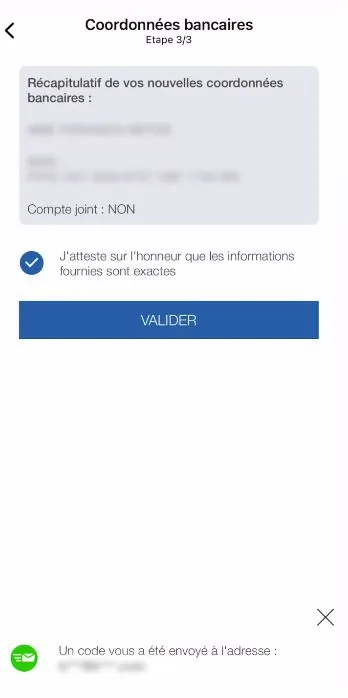

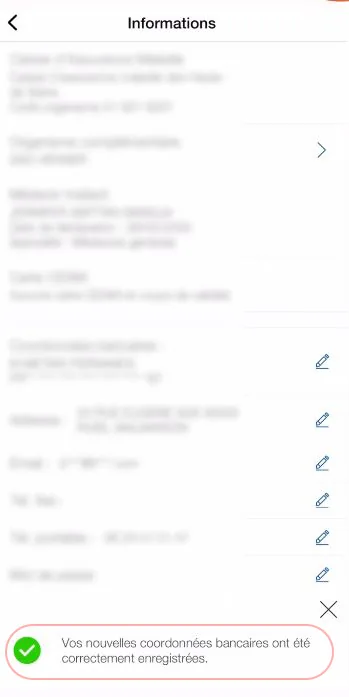
Well done, you have changed your IBAN! 🎉
Your PCS card comes with a French IBAN: download your bank details (RIB) from your “My account” area or the MyPCS app. Receiving your refunds is free.
➔ See our list of tutorials: