





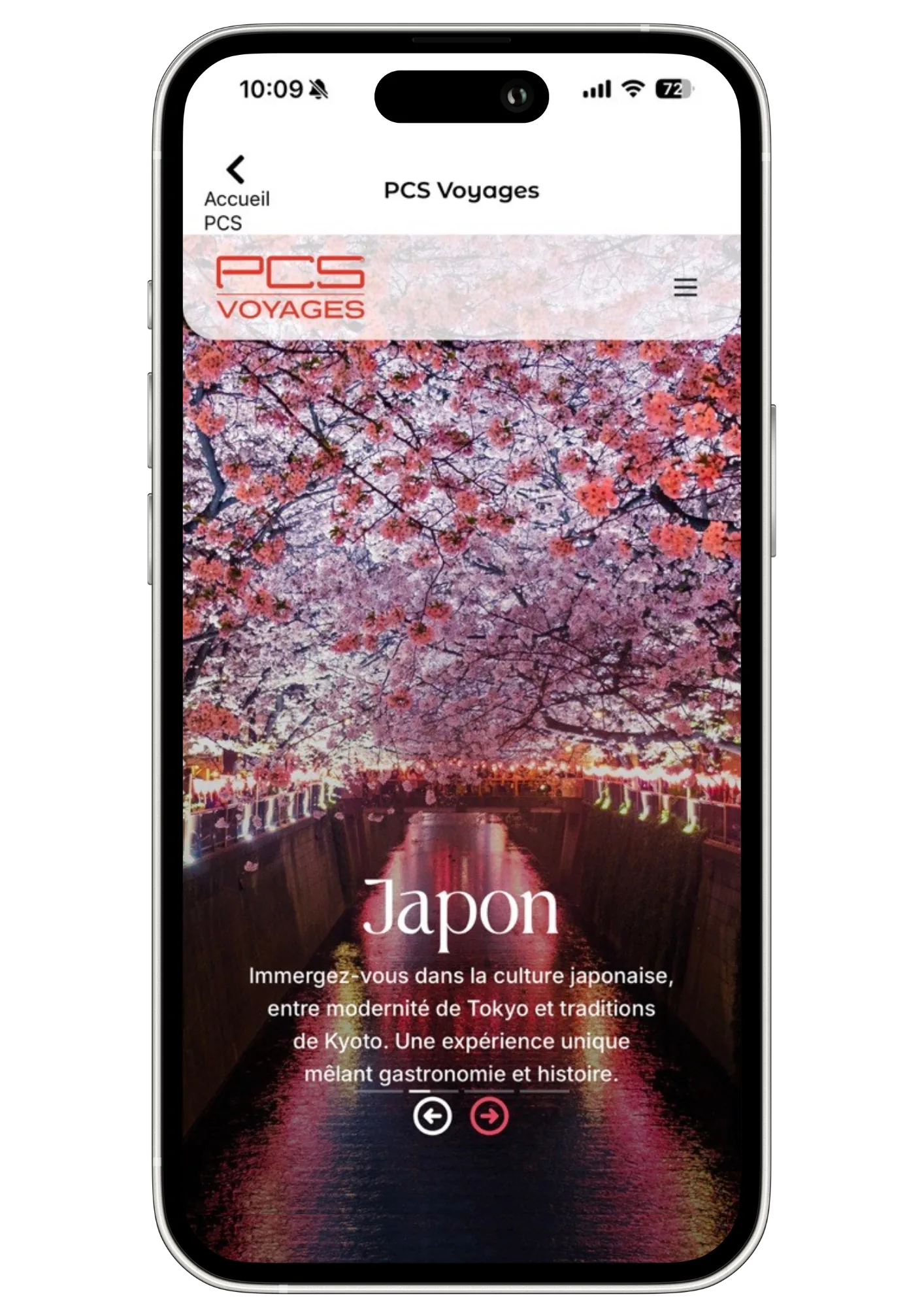
The MyPCS Mobile app
A free, simple and secure app where you can do and see everything!
Available now on the App Store and Google Play.
Everything to make everyday life easier
With MyPCS Mobile, you can:
- Check your balance and transactions
- Verify your identity to access additional services
- Top up your card with a top-up voucher or bank card
- Download your bank details / IBAN and share them
- Send or receive transfers
- Add transfer beneficiaries
- Send money from one PCS card to another
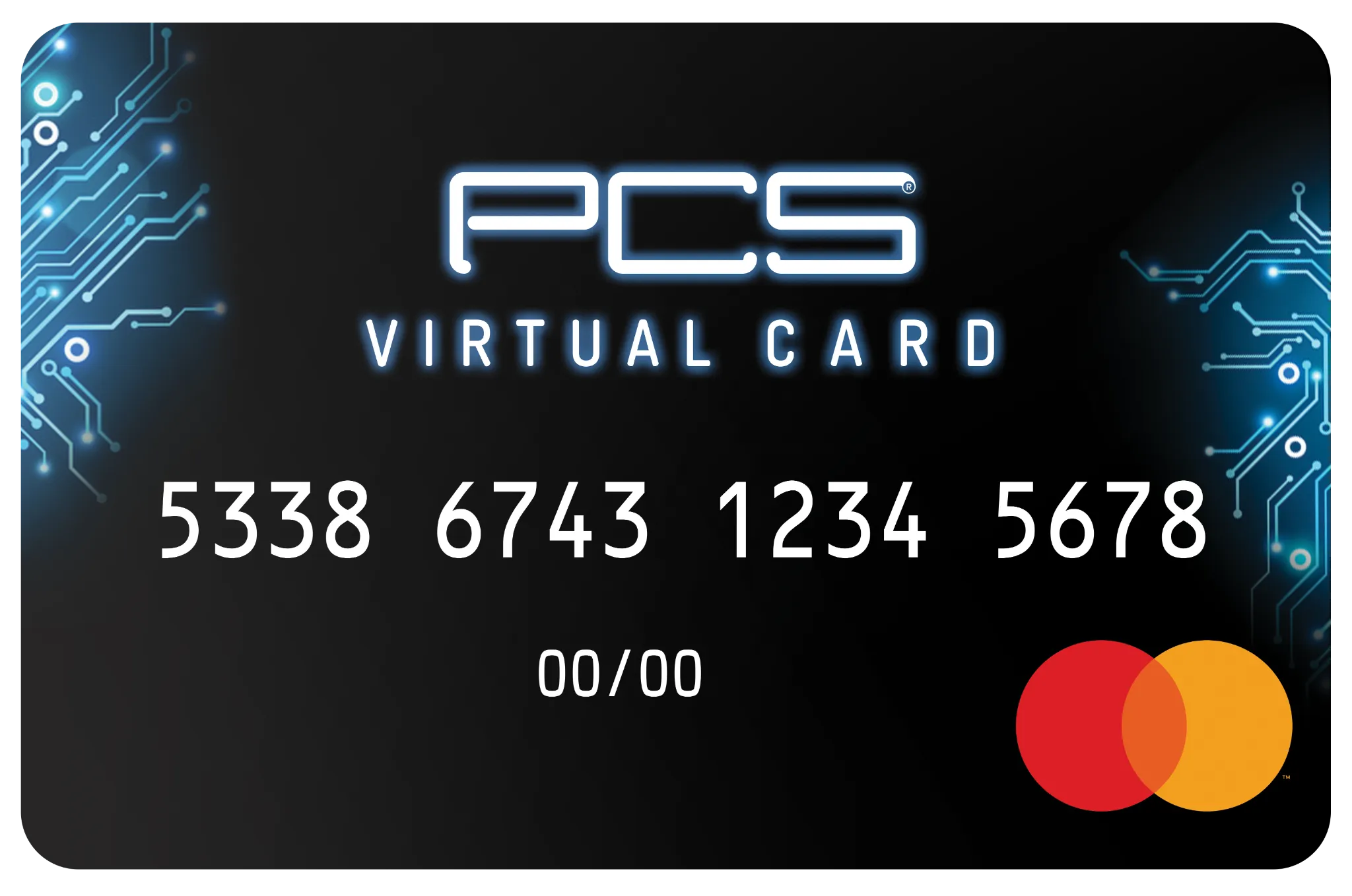
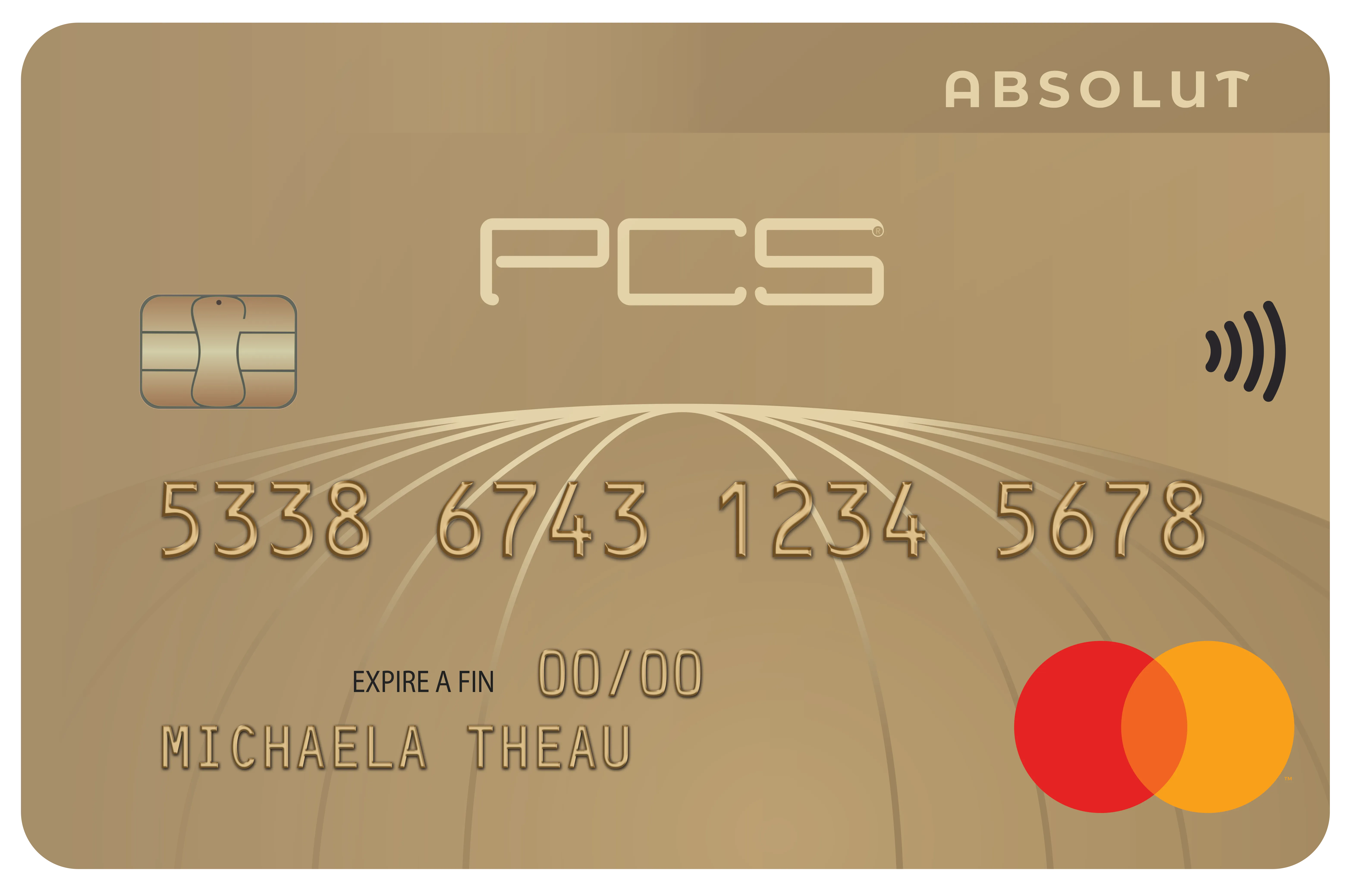
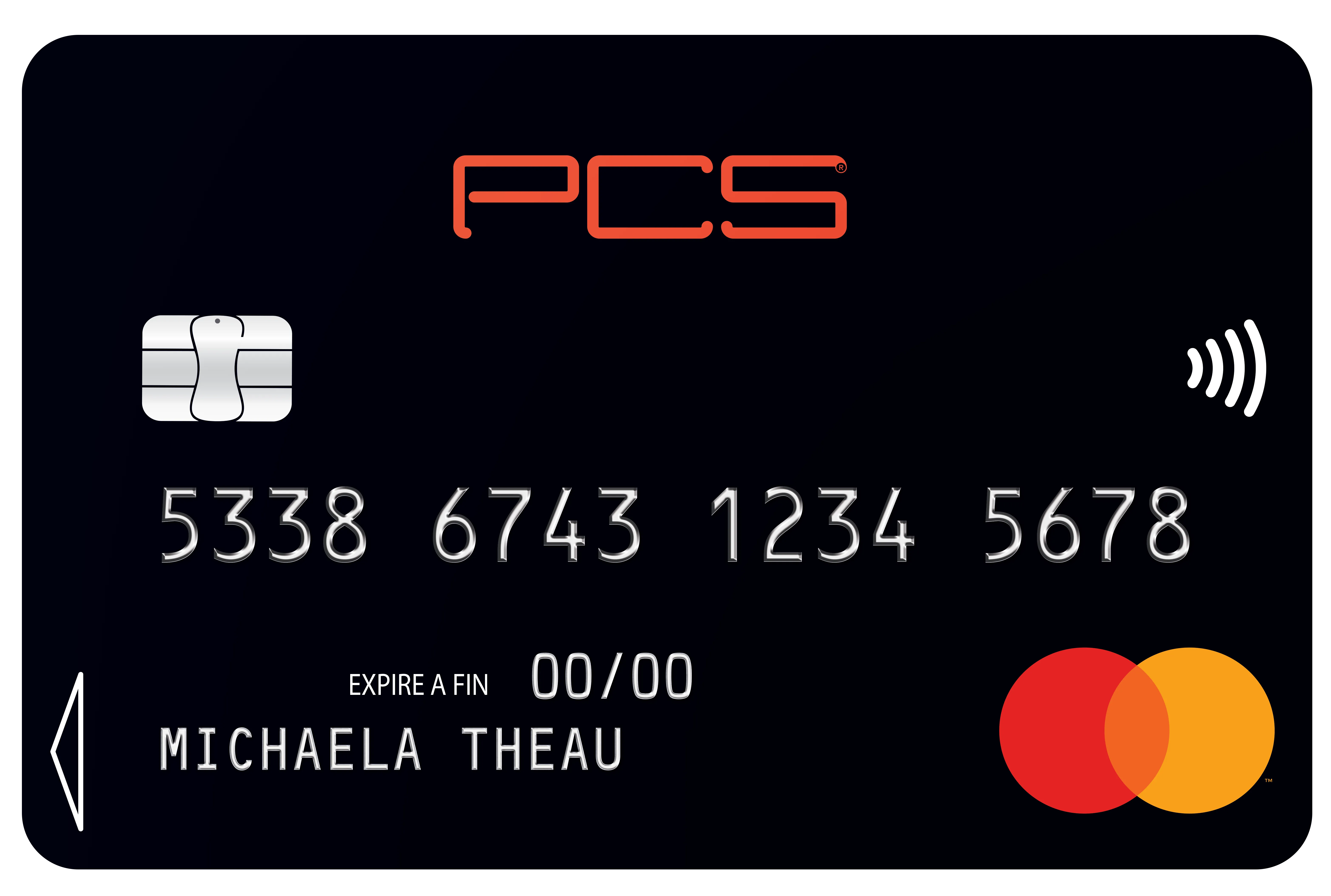
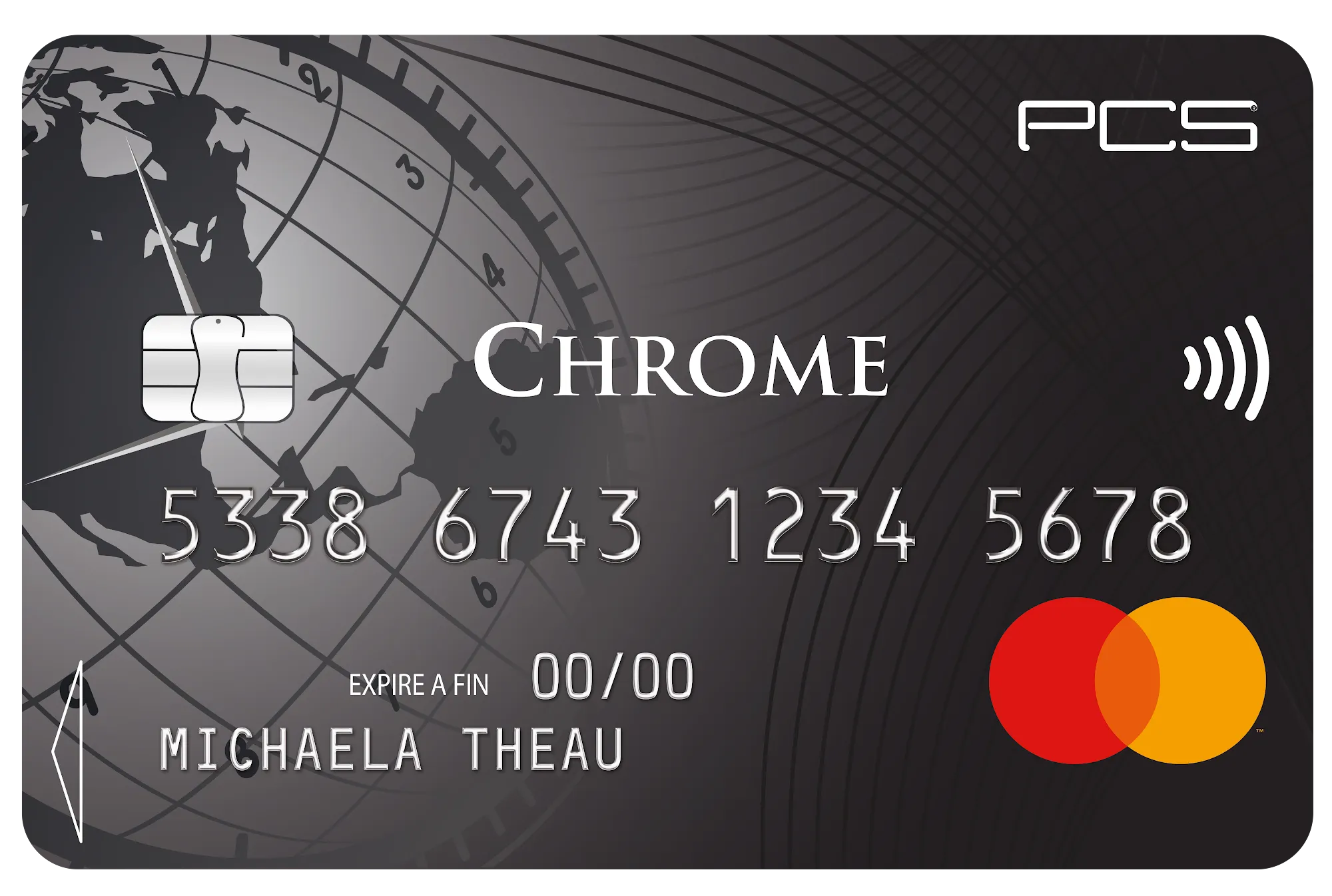
- View your card's personal information
- Lock and unlock your card for free
- Turn contactless on and off
- Follow all PCS deals!
I was already using the old MyPCS app
In this app, you use the same login details as for your “My account” area on the MyPCS website.
- If you know your login details, download the app and log in.
- If you can't remember your login details, don't worry: download the app, tap “Forgot username or password”, then follow the instructions.
Using the MyPCS app for the first time
- Go to your phone's app store and search for MyPCS Mobile (or use the links above).
- Once downloaded, log in with your usual login details (those of your “My account” area).
If you have forgotten your login details, tap “Forgot username or password” and follow the instructions.
New customer?
If you are a new PCS customer and your “My account” area has not been created yet, tap “Log in” then “First login” and follow the steps. Need help? See the My mobile app section.
Because we won't stop there…
Our teams work every day to improve our products. App updates with new features are released regularly: make sure you install them so you always have the latest version.