



How to give your IBAN to Basic-Fit

Go to the basic-fit.com website.


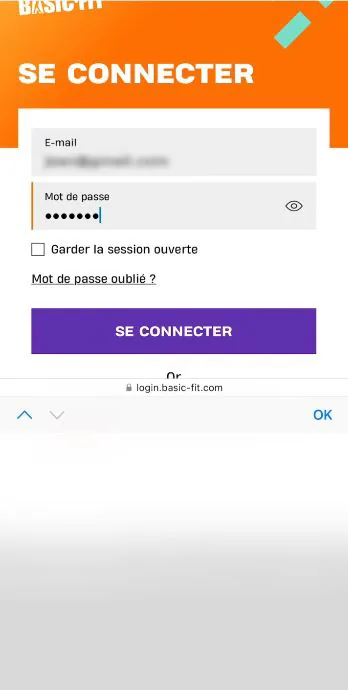
Log in to your account.

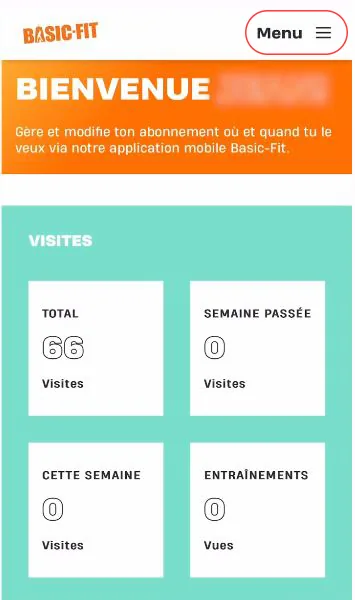
Click the menu at the top right.

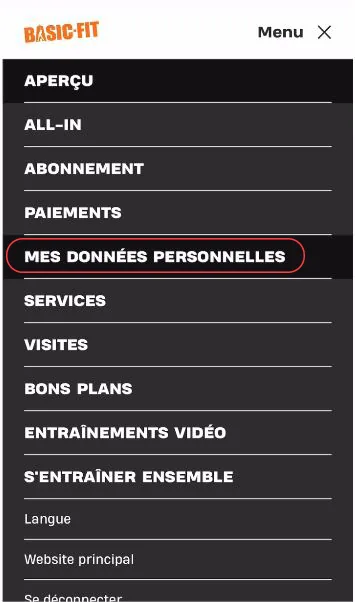
Click “Mes données personnelles” (My personal data).

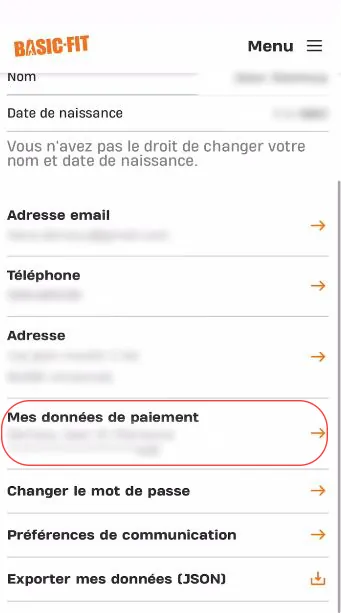
Click “Mes données de paiement” (My payment details).

Enter your details and click “Continuer” (Continue).
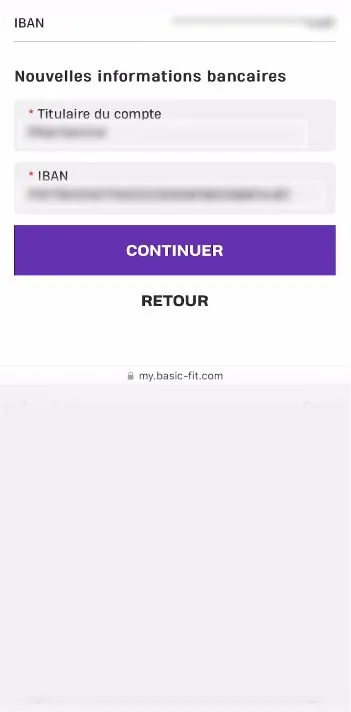

Well done, you have changed your IBAN! 🎉

Your PCS card comes with a French IBAN: download your bank details (RIB) from your “My account” area or the MyPCS app.
➔ See our list of tutorials: