





How to give your IBAN to Winamax

Open your Winamax app and log in to your account.


Tap “Profil” (Profile) at the top right.


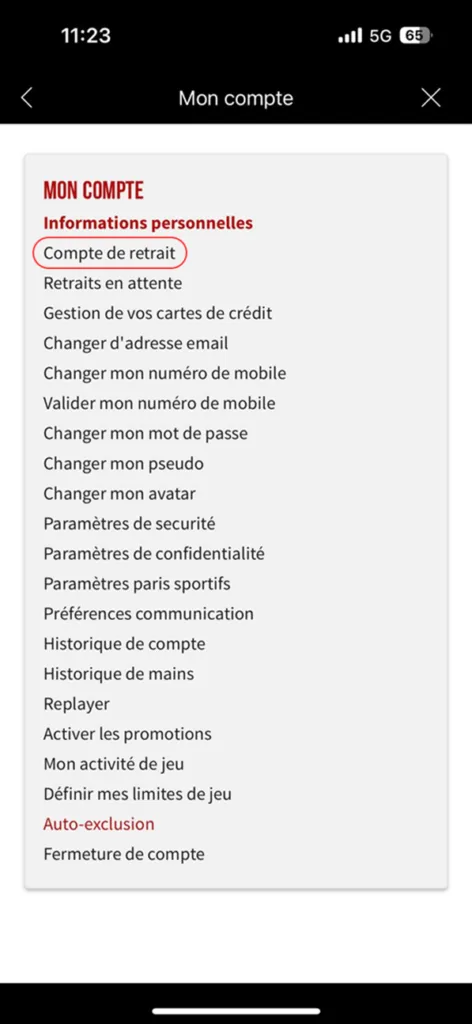
Tap the second option, “Compte de Retrait” (Withdrawal account).

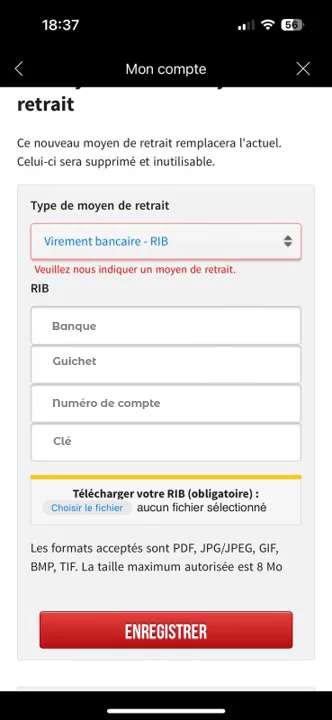
Scroll down and add your new PCS IBAN in the “Mise à jour de mon moyen de paiement” (Update my payment method) section.
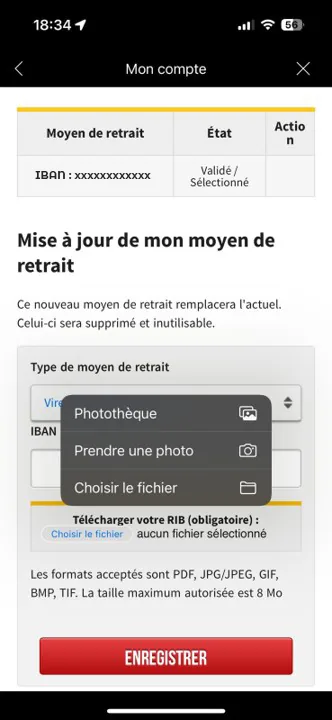

Tap “Enregistrer” (Save).

Well done, you have changed your IBAN!
➔ See our list of tutorials: