





How to give your IBAN to Vinted

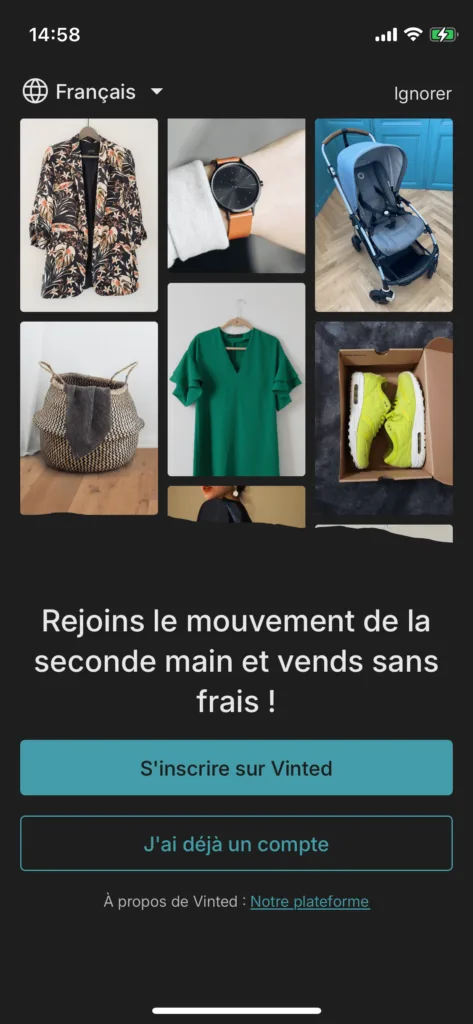
Open your Vinted app and log in by tapping “J’ai déjà un compte” (I already have an account).

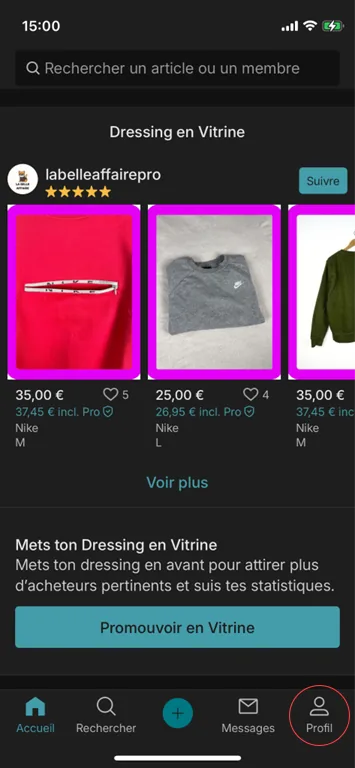
Go to the “Profil” (Profile) section.

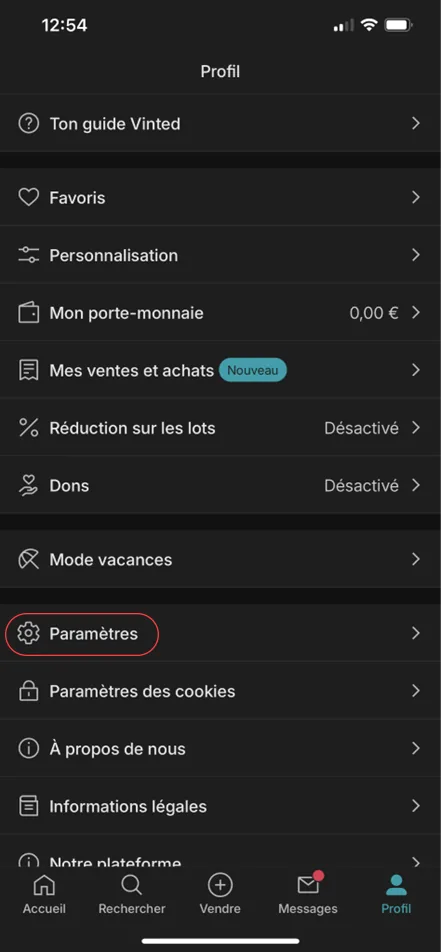
Go to “Paramètres” (Settings).

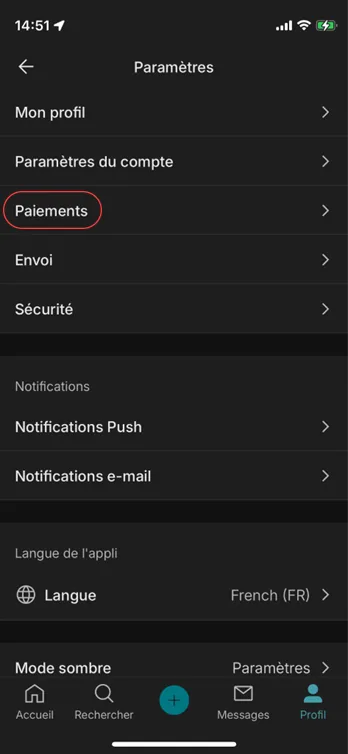
Tap “Paiements” (Payments).

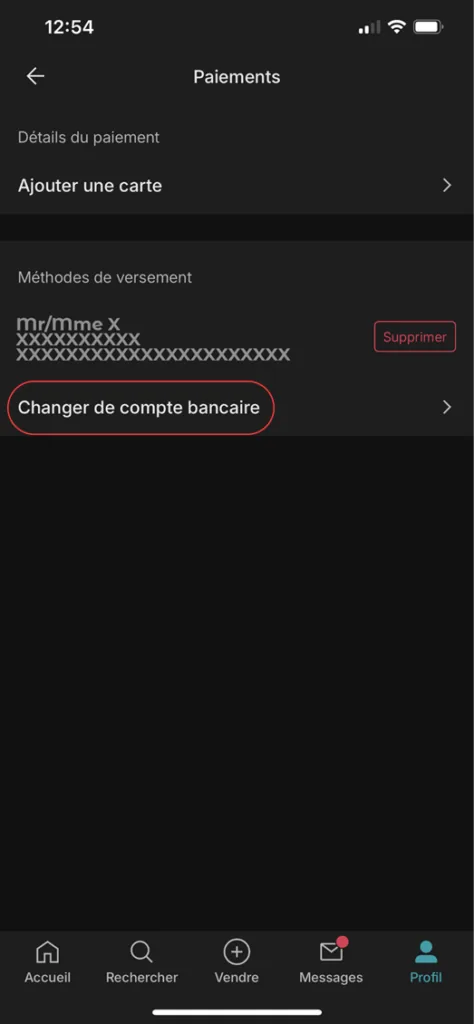
Tap “Changer de compte bancaire” (Change bank account).

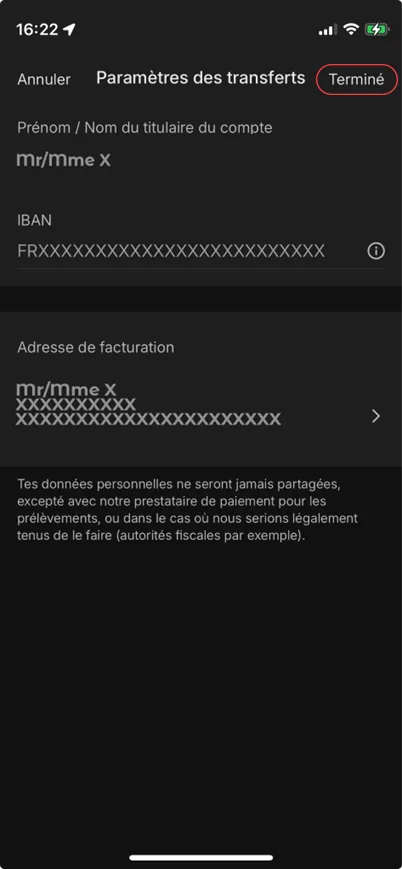
Enter your new PCS bank details / IBAN and tap “Terminé” (Done) when you have finished.

Well done, you have changed your IBAN!
➔ See our list of tutorials: