






Your next mission: save money
Get 6% off your PlayStation & Xbox games and consoles with PCS E-vouchers
Get my cardHOW TO GET THE DEAL?
A few steps are all it takes to enjoy your discounts in the MyPCS app.
01
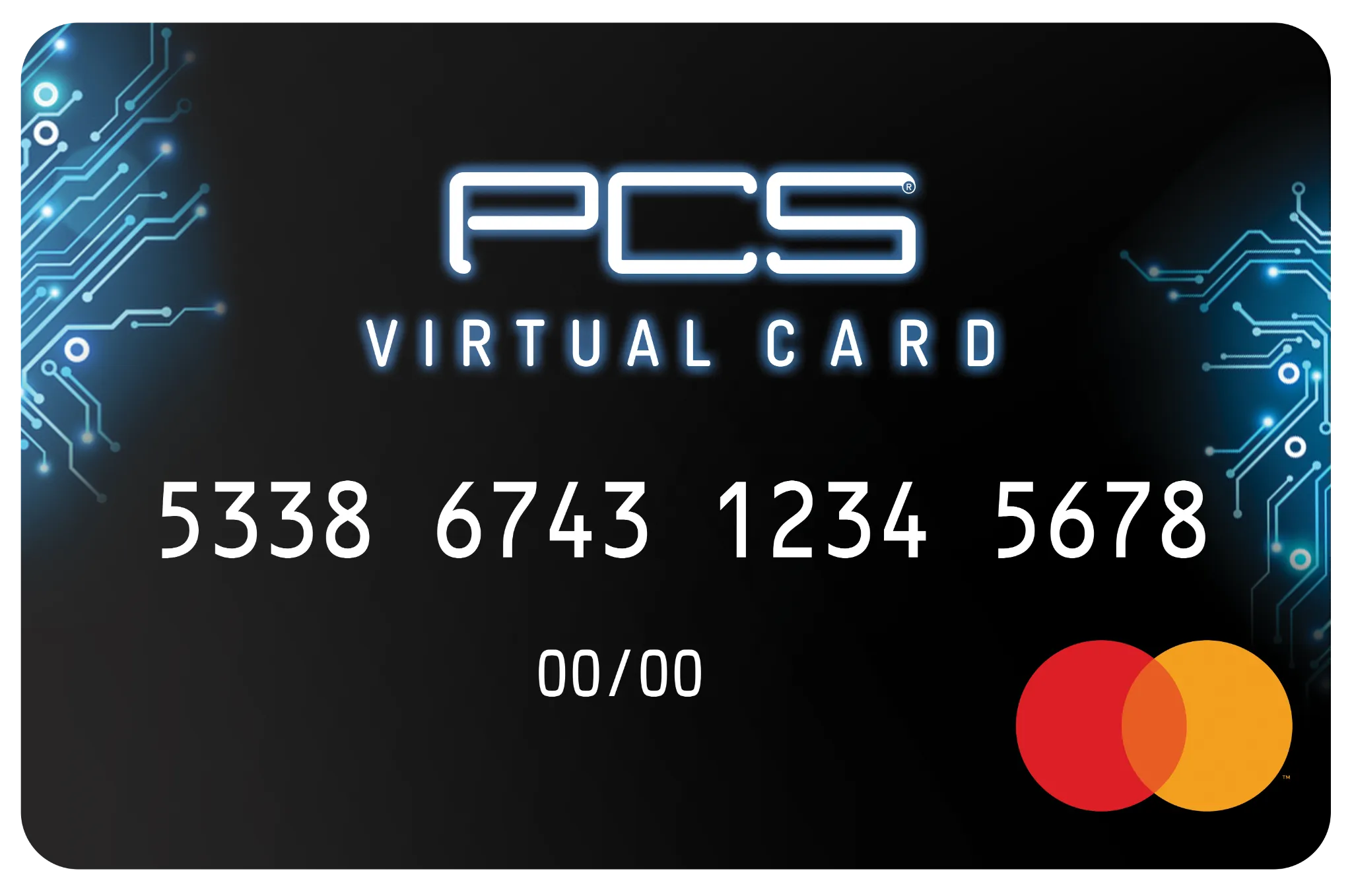
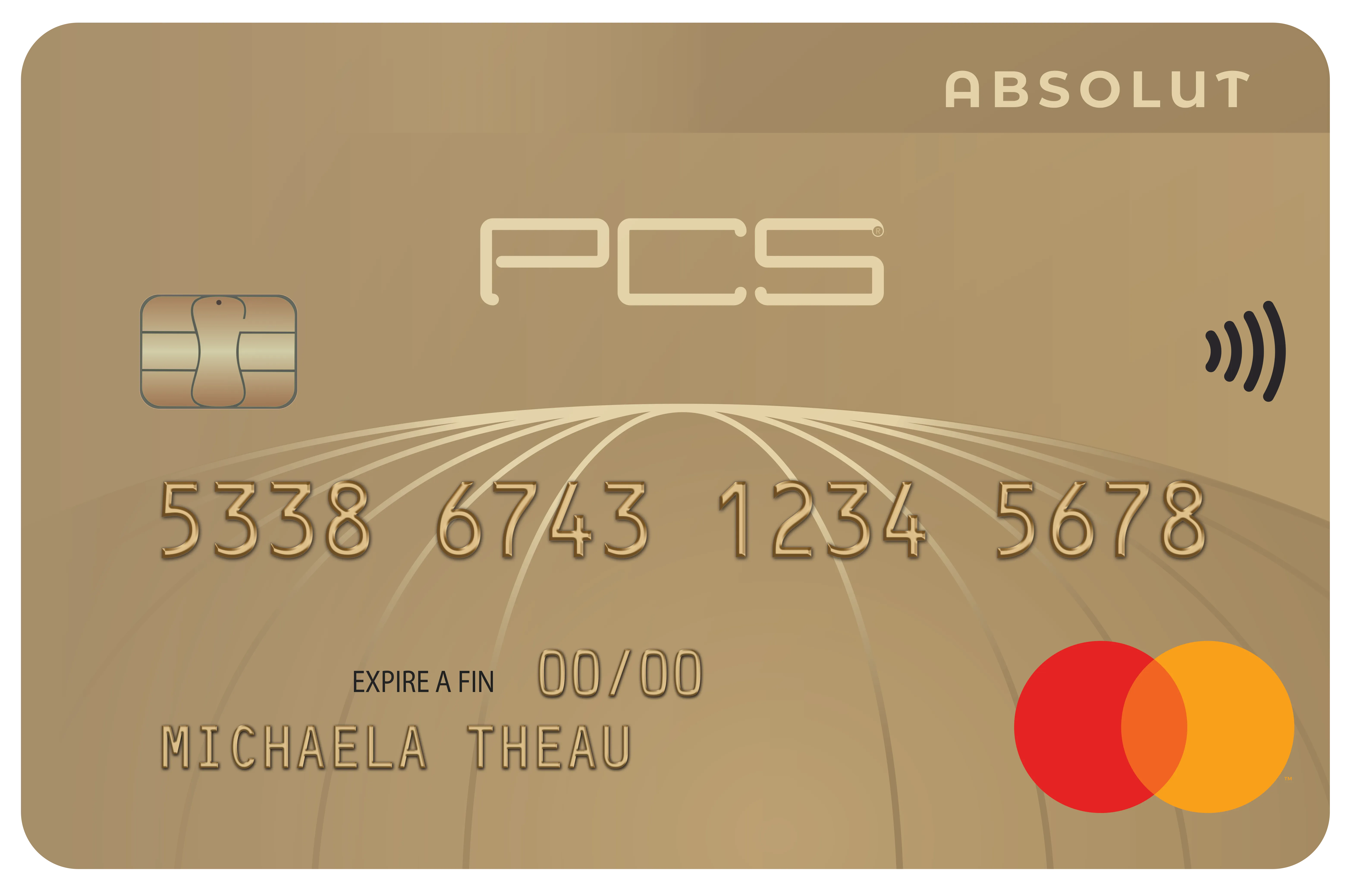
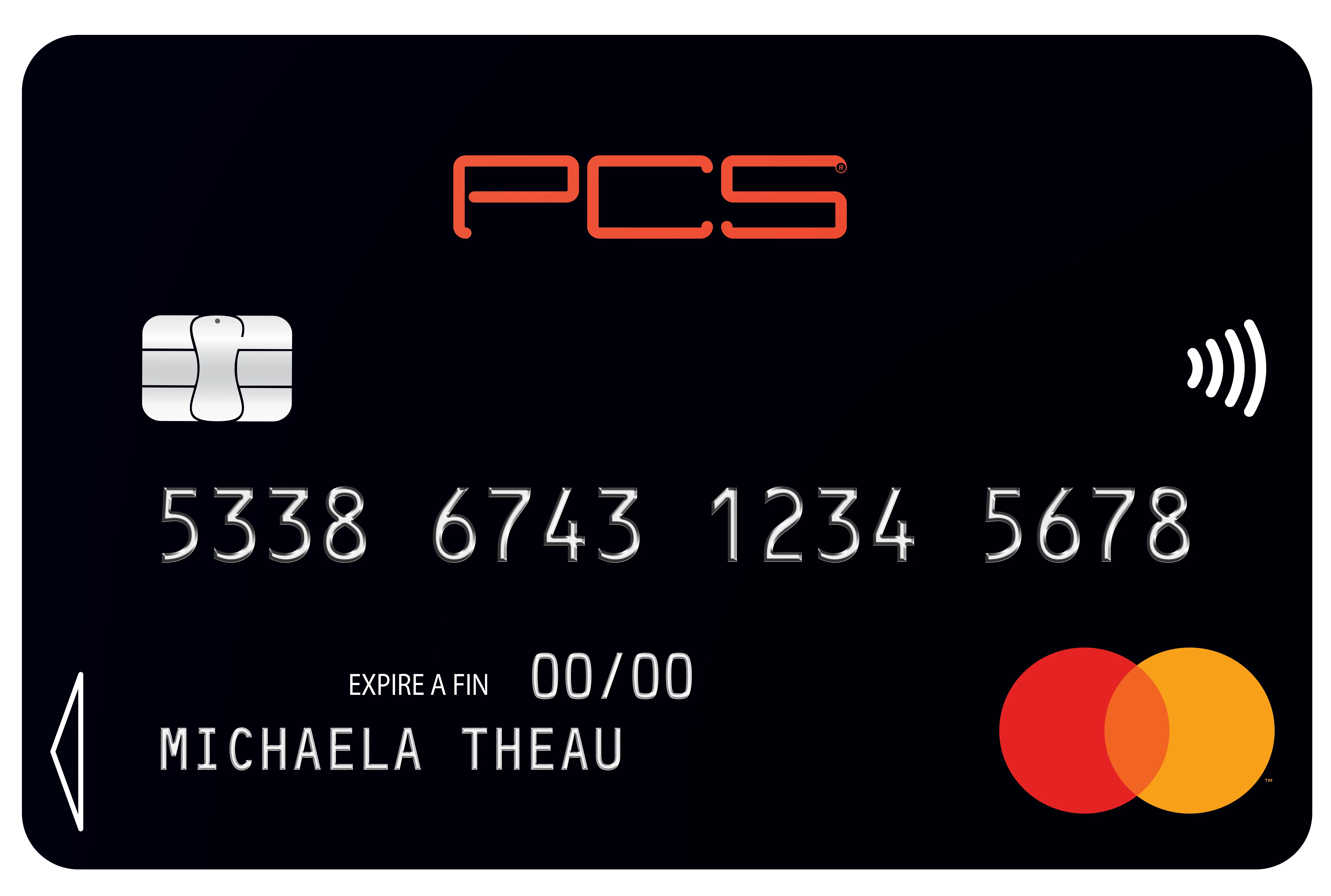
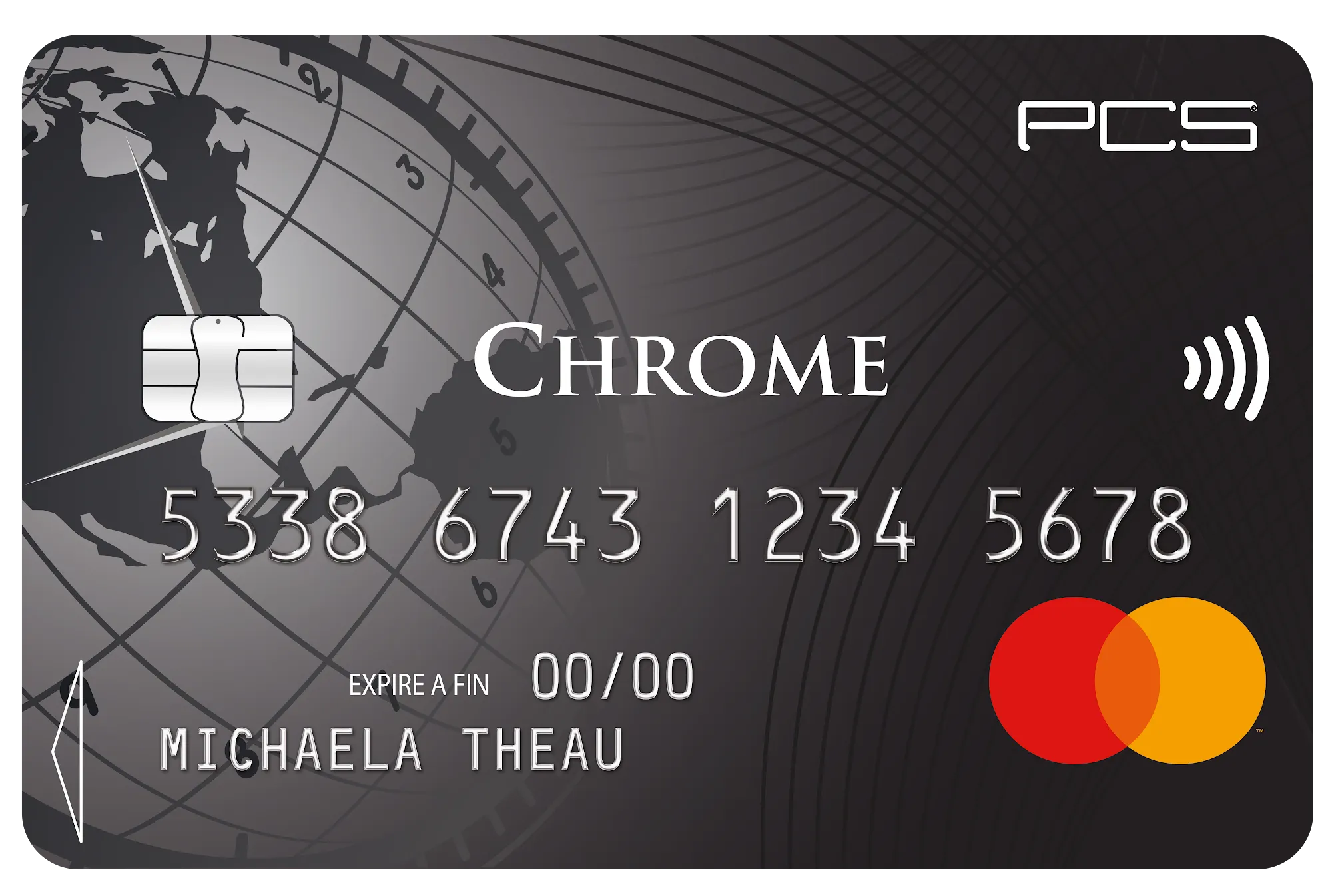
Get your PCS card
Create your account and access your MyPCS area.
02
Choose your E-voucher
Find PlayStation or Xbox in the E-vouchers section.
03
Enjoy your discount
Select the amount you want and get 6% off, subject to the offer’s terms.
04
Use it with the brand
Show your e-voucher in store or enter its code online, according to the partner brand’s terms of use.
You’ll love the freedom of finding your way around.
Everything about PCS E-vouchers
Suivez ces étapes depuis votre espace client MyPCS.
Accédez à la page de connexion MyPCS
Rendez-vous sur la page de connexion MyPCS.
Vous n’avez pas de compte ?
- Créez un compte en cliquant sur « Première connexion ».
- Suivez les étapes de création du compte.
Connectez-vous à l’espace client
- Cliquez sur « + » pour ajouter une carte.
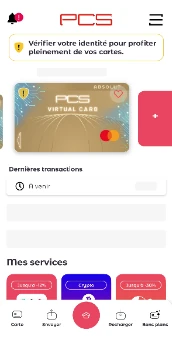
- Saisissez le code promotionnel dans le champ « Un code voucher ou un code promo ».
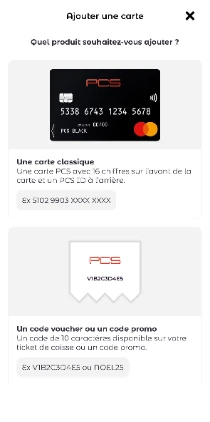
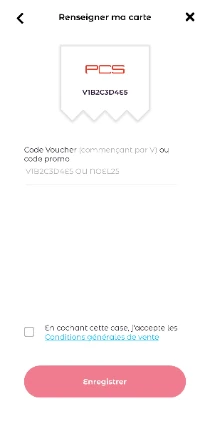
- Suivez les étapes jusqu’à l’ajout de la carte virtuelle offerte au compte.
- Cliquez sur « + » pour ajouter une carte.
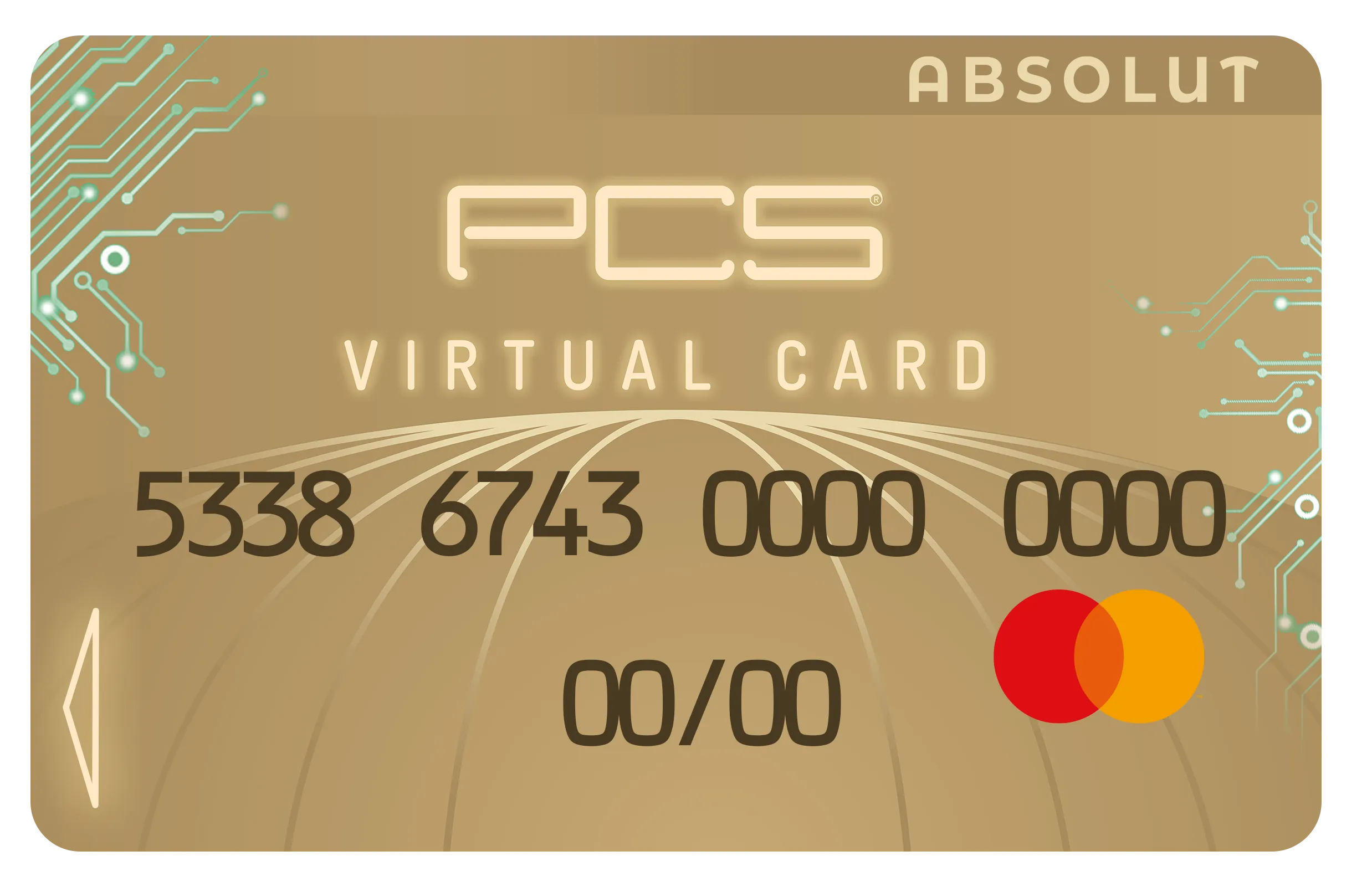
Félicitations, votre carte Absolut Virtual est disponible dans votre espace client !
More questions? Check our FAQ 🤓
