






Back
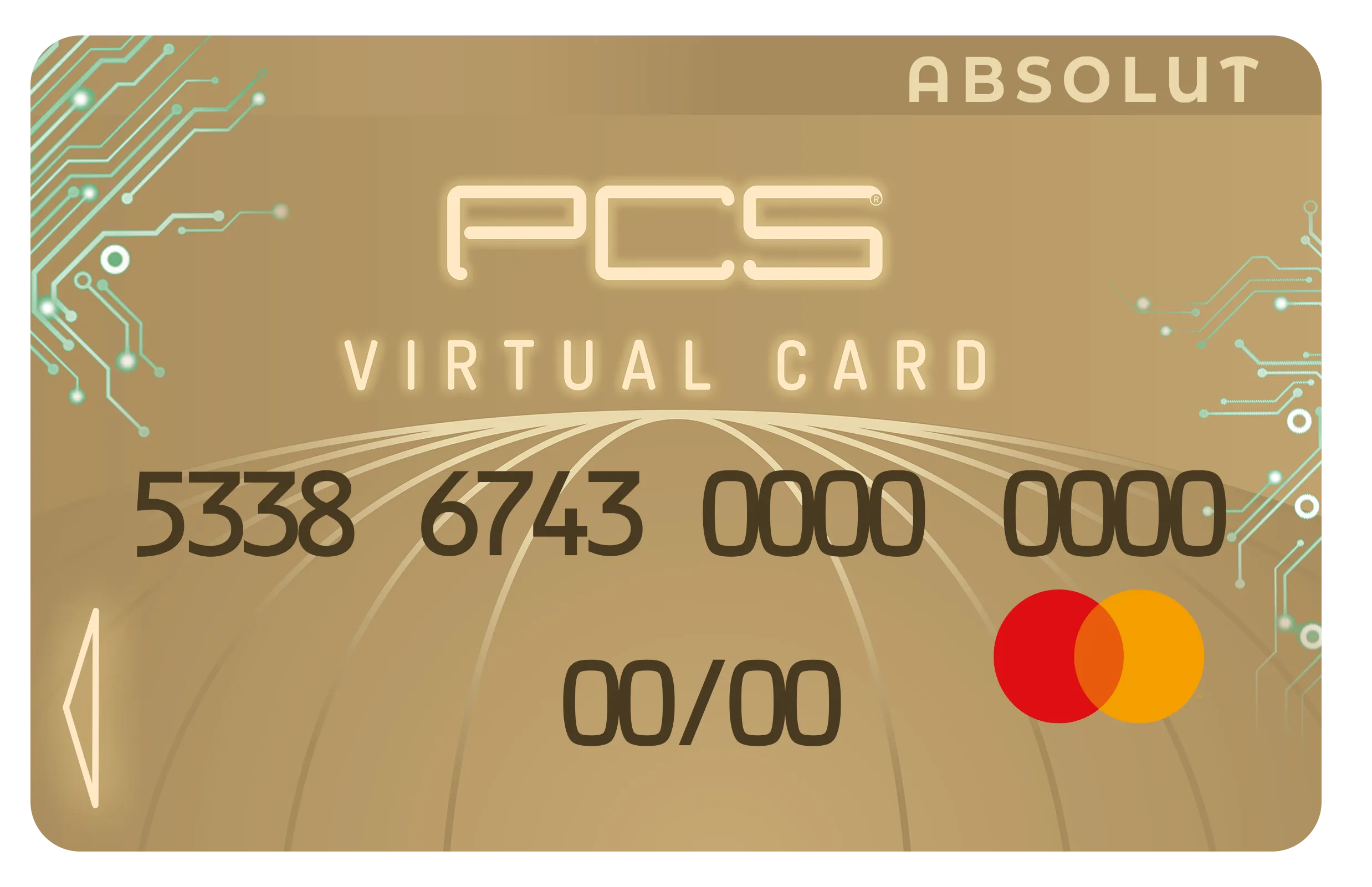
Features and activation of the PCS Virtual Card
- How do I activate my PCS Virtual Card?
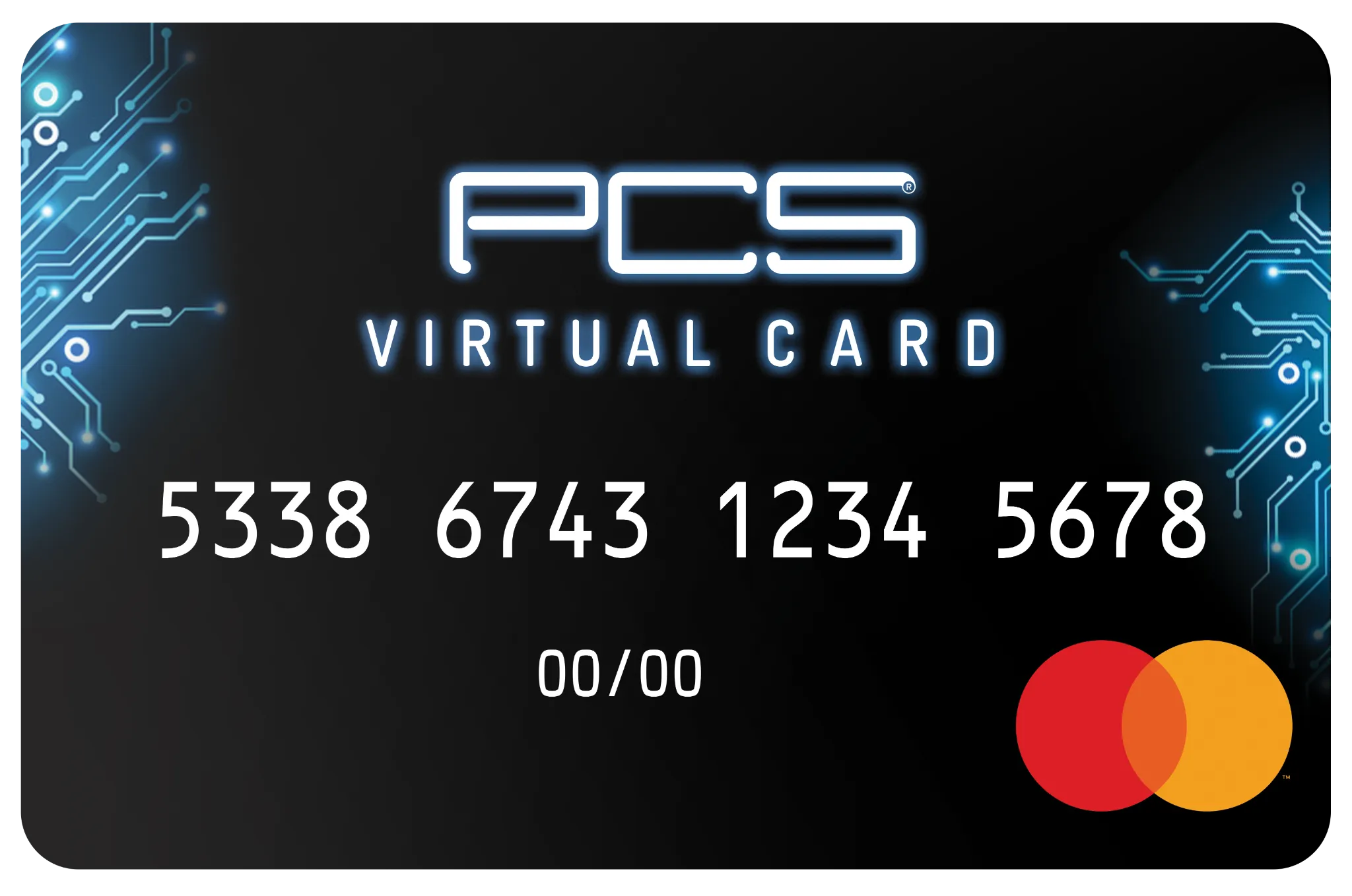
To activate your card and get your PIN code, simply send the following text message: the letters PIN followed by a space, then the last 8 digits of your PCS card to +33 6 01 78 78 78.
Example: PIN 12345678
- How do I lock / unlock my PCS Virtual Card?
Not going to use your PCS card for a while? For extra security, lock it!
From your mobile app: go to the "Card" menu and, in the "Features" section, tick the "Lock card" option. This option is free, instant and unlimited.
No internet access? You can also lock your card by text message: send VERR followed by a space and the last 4 digits of your card to +33 6 01 78 78 78.
Example: VERR 5678
- What are the fees for my PCS Virtual Card?
You can find all the fees for using your card by clicking here (French).
