






Back
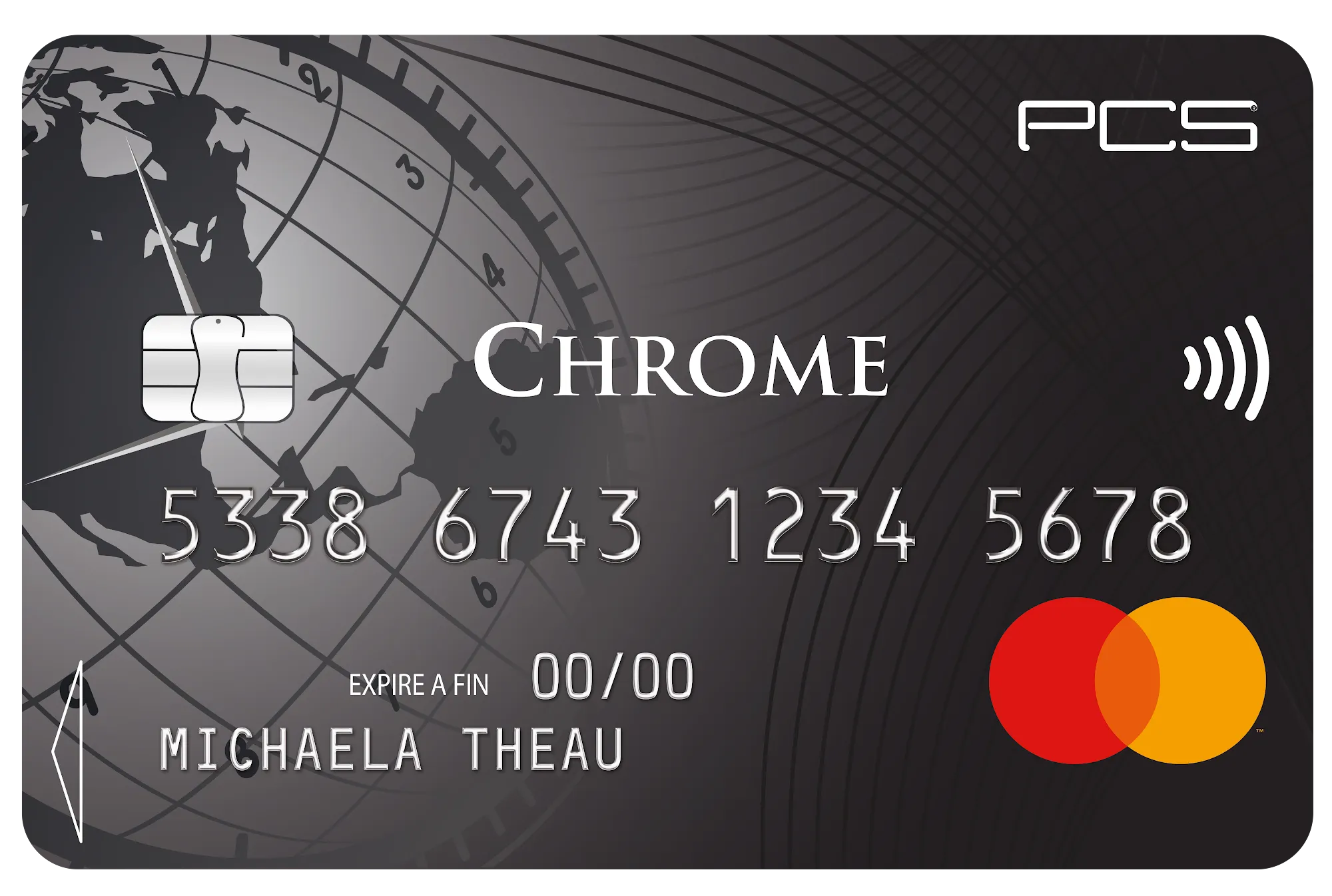
Features and activation of the PCS Chrome card
- How do I activate my PCS Chrome?
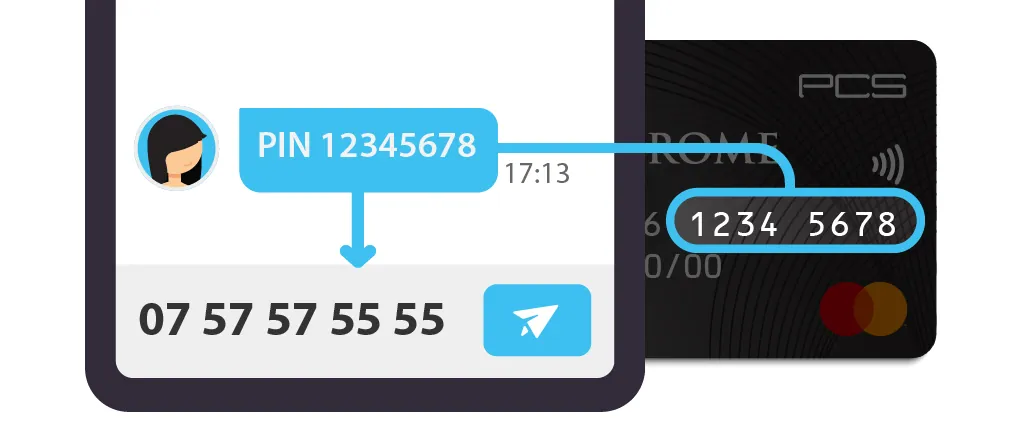
To activate your card and get your PIN code, simply send the following text message: the letters PIN followed by a space, then the last 8 digits of your PCS card to +33 7 57 57 55 55.
Example: PIN 12345678
- I have lost my PCS Chrome card
We can replace your lost card for €8. Request it directly from your "My account" area, under Card > Replace my card.
You will receive your new card, personalised with your name, within 10 working days.
Don't forget to let us know if your address has changed since your previous order!
For extra security, if you lose your card, we recommend locking it
from your "My account" area on mypcs.com or via your mobile app. A locked card can no longer be used.
- How do I lock / unlock my PCS Chrome card?
Not going to use your PCS card for a while?
For extra security, lock it!
From your mobile app: go to the "Card" menu and, in the "Features" section, tick the "Lock card" option. This option is free, instant and unlimited.
No internet access? You can also lock your card by text message: send VERR followed by a space and the last 4 digits of your card to +33 7 57 57 55 55.
Example: VERR 5678
- How do I get my PIN code back?
To get your PIN code back, simply send the following text message: the letters PIN followed by a space, then the last 8 digits of your PCS card to +33 7 57 57 55 55.
Example: PIN 12345678
Please note that your new PIN code will be sent to the phone number you used to activate your PCS card. If you have changed your phone number, email us at contact@creacard.net with a copy of your ID and a bill showing your new mobile number.
If you don't have a bill, you can send a selfie of yourself holding your ID next to your face, stating the new number to link to your card.
Keep your PIN code safe. Each new request costs 20 cents.
- Fees for my PCS Chrome card
You can find all the fees for using your card by clicking here (French).
